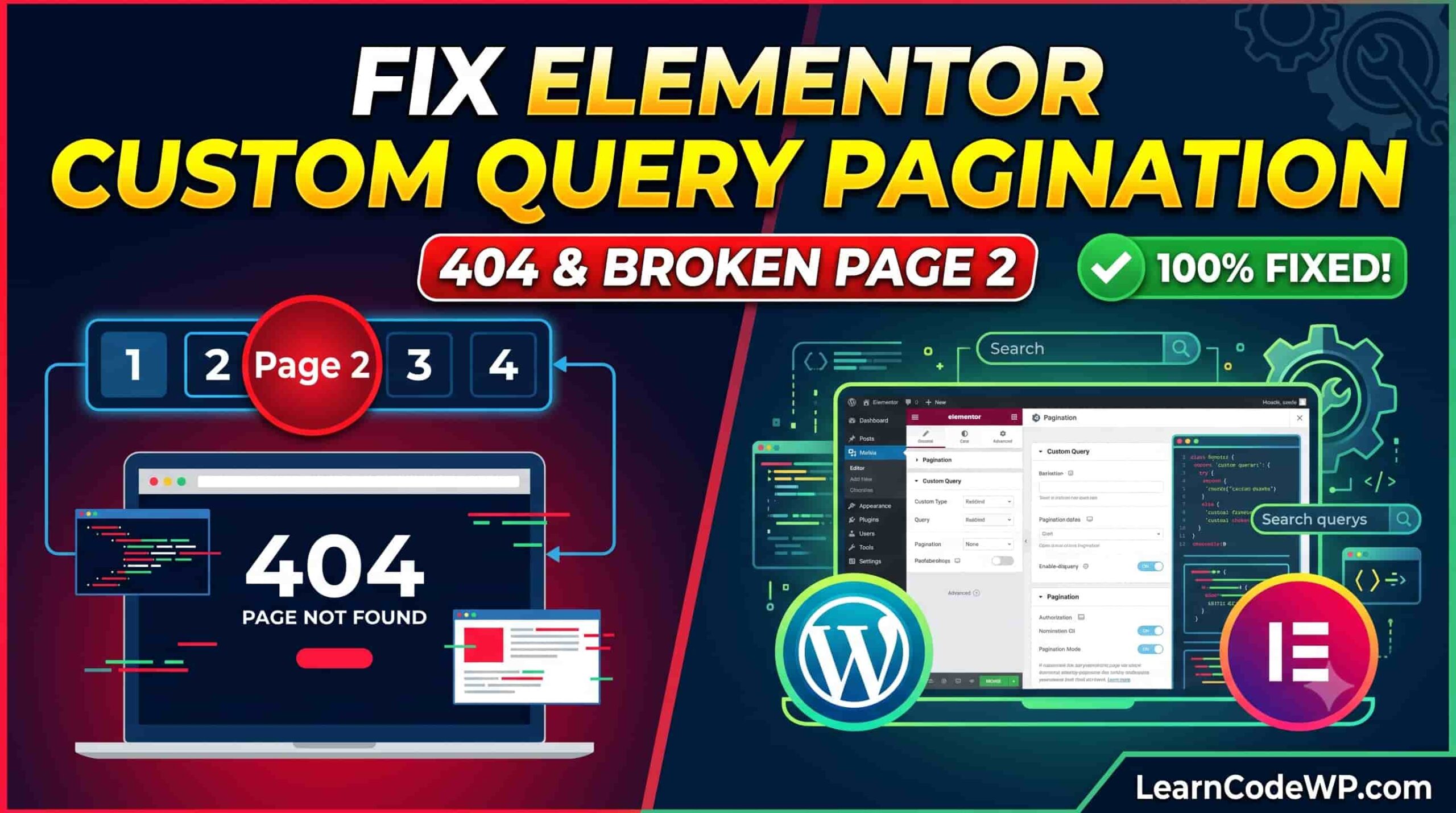

Hooking into Elementor’s elementor/query/{$query_id} action is the standard way to feed dynamic parameters, custom post types, or meta queries into Posts and Loop Grid widgets. The setup works cleanly on page load, but clicking page 2 frequently serves a 404 page or continuously loops the first page’s posts.
This is a classic WP_Query synchronization issue. Elementor relies on the global query’s page state, while your custom query ID runs inside a secondary loop. If you alter offsets or rely on get_query_var('paged') on a static homepage, WordPress drops the ball.
The Root Cause of Elementor Query Pagination Failure
Two distinct technical pitfalls break Elementor query pagination:
- The Static Front Page Bug: On standard singular pages set as the front page (Reading settings), WordPress resolves pagination through
get_query_var('page')rather thanget_query_var('paged'). Secondary Elementor queries checking onlypagedfail to advance and stick on page 1. - Manual Offset Calculation: If you pass an
offsetargument directly into the Elementor query, WordPress automatically setsfound_postsincorrectly. The pagination control calculates the total number of pages based on the total post count without offset compensation, causing 404 errors on higher page numbers.
Step 1: Normalize the Paged Variable
First, ensure the query respects whether the visitor is on an archive, standard page, or static front page. Drop this into your child theme’s functions.php or custom mu-plugin.
<?php
// Hook: elementor/query/{$query_id}
add_action( 'elementor/query/custom_archive_filter', function( $query ) {
    // Standardize page detection for both archives and static front pages
    $paged = ( get_query_var( 'paged' ) )
        ? get_query_var( 'paged' )
        : ( ( get_query_var( 'page' ) ) ? get_query_var( 'page' ) : 1 );

    $query->set( 'paged', absint( $paged ) );
} );
In your Elementor Posts or Loop Grid widget, head to Content > Query, set the source, and enter custom_archive_filter into the Query ID field.
Step 2: Handle Custom Offsets Without Breaking Page Counts
If your design skips posts (for example, displaying a hero post above the loop), setting $query->set('offset', 1) breaks native pagination. To resolve this, compute the offset dynamically using the normalized page number and correct the found_posts calculation via filter.
<?php
add_action( 'elementor/query/offset_loop_query', function( $query ) {
    $offset = 1; // Number of initial posts skipped
    $posts_per_page = (int) $query->get( 'posts_per_page' );
    if ( ! $posts_per_page ) {
        $posts_per_page = (int) get_option( 'posts_per_page' );
    }

    $paged = ( get_query_var( 'paged' ) )
        ? get_query_var( 'paged' )
        : ( ( get_query_var( 'page' ) ) ? get_query_var( 'page' ) : 1 );

    if ( $paged > 1 ) {
        $calculated_offset = ( ( $paged - 1 ) * $posts_per_page ) + $offset;
        $query->set( 'offset', $calculated_offset );
    } else {
        $query->set( 'offset', $offset );
    }
} );

// Adjust found_posts so pagination displays the correct page count
add_filter( 'found_posts', function( $found_posts, $query ) {
    $offset = 1;

    // Verify target Elementor query
    if ( isset( $query->query_vars['elementor_query_id'] )
        && 'offset_loop_query' === $query->query_vars['elementor_query_id'] ) {
        return $found_posts - $offset;
    }

    return $found_posts;
}, 10, 2 );
Step 3: Fix 404 Errors on Subpages via Rewrite Rules
If you placed the widget on a static Page (e.g., /resources/) and navigating to /resources/page/2/ triggers a WordPress 404 template before Elementor even executes, the main query failed to match WordPress rewrite rules for that slug.
You can force WordPress to treat pagination on specific static page slugs as valid requests:
<?php
add_action( 'init', function() {
    // Target page slug hosting the custom loop
    $slug = 'resources';

    add_rewrite_rule(
        '^' . $slug . '/page/([0-9]+)/?$',
        'index.php?pagename=' . $slug . '&paged=$matches[1]',
        'top'
    );
} );
After adding custom rewrite rules, open your WordPress admin dashboard and click Settings > Permalinks > Save Changes to flush the rewrite cache to the database.
Common Gotchas
- Elementor Loop Grid AJAX Pagination: When using Elementor 3.12+ Loop Grid with AJAX pagination enabled, pagination states are processed via REST and internal admin-ajax calls. Verify that no object caching plugin (e.g., Redis Cache, LiteSpeed) is aggressively caching the
wp-admin/admin-ajax.phpaction endpoint. - Widget Post Count Mismatch: In the widget settings, the Posts Per Page option inside Elementor must match what your custom query expects. Hardcoding a different
posts_per_pagedirectly in the hook without adjusting the widget UI controls often confuses the pagination UI builder. - Pre Get Posts Interference: Ensure you do not have global
pre_get_postshooks filtering! is_admin()without verifying$query->is_main_query(). Stray hooks targeting all queries will corrupt Elementor’s internal pagination query.
Troubleshooting FAQ
Why does page 2 show the exact same posts as page 1?
The current page variable was not passed to the custom query. On a front page template, get_query_var('paged') returns 0. You must fall back to get_query_var('page') to capture the query string on static front pages.
Why does the last pagination page return 404?
This happens when an offset was added inside elementor/query without altering found_posts. WordPress assumes there are more posts available than there actually are. Use the found_posts filter detailed in Step 2 to subtract the offset.