
Mastering html input file attributes is critical if you want to handle user uploads securely without opening your server up to malicious execution vectors. Here is what catches developers off guard: simply throwing a file input onto a form without proper constraints invites disaster. You end up with multi-gigabyte video uploads crashing your PHP workers or malicious PHP scripts disguised as JPEGs. If you are also dealing with backend processing hurdles, you might want to review Fix WordPress PHP Fatal Error Allowed Memory Size Exhausted to understand how large files exhaust server resources.
A mistake I see developers make all the time in production is relying entirely on client-side validation. Never trust the browser. Let us break down how html input file attributes actually work under the hood and how to enforce bulletproof validation.
How to Fix HTML Error and Broken File Inputs
When building file upload forms, developers often wonder how to fix html error states when users select invalid file types. The native file input supports several attributes that dictate what can and cannot be uploaded. However, these attributes are only hints for the browser UI and user convenience. According to the MDN Web Docs on HTML Forms, client-side attributes must always be paired with rigorous server-side checks.
Let us examine a properly structured file input element that leverages core attributes:
upload-form.html<form action="/upload.php" method="POST" enctype="multipart/form-data">
  <label for="avatar">Choose profile picture:</label>
  <input
    type="file"
    id="avatar"
    name="avatar"
    accept="image/png, image/jpeg"
    capture="environment"
    required
>
  <button type="submit">Upload File</button>
</form>
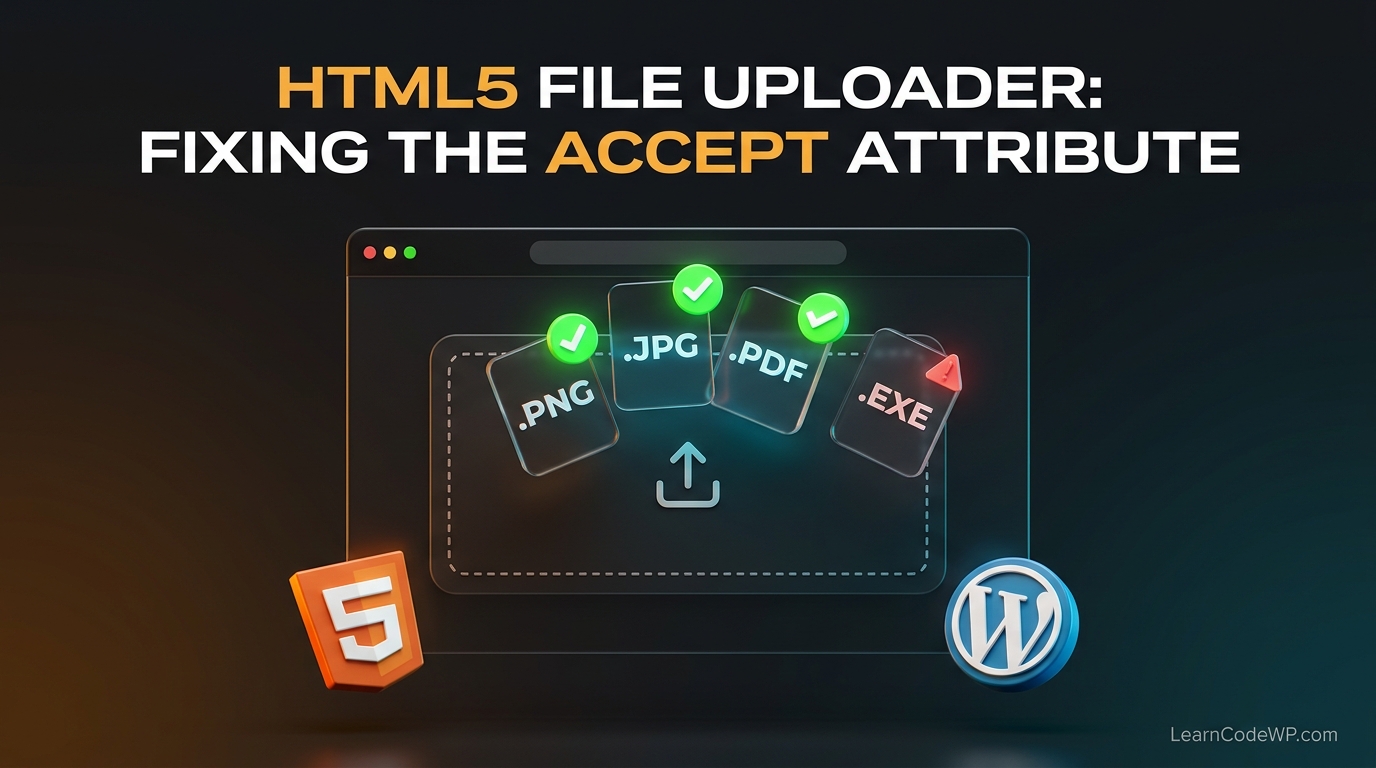
Let’s review line-by-line what this code does. The enctype="multipart/form-data" attribute on the form is mandatory; without it, binary file data is mangled during transit. The accept attribute restricts the file picker dialog to specific MIME types. Meanwhile, capture hints to mobile devices that they should fire up the hardware camera immediately.
How to Solve HTML Problem Scenarios with Multiple Files
Another common question is how to solve html problem scenarios when users need to upload batches of documents or images simultaneously. By default, file inputs accept a single file. Adding the boolean multiple attribute changes everything.
Don’t just copy-paste this blindly—check your server config first. If your server enforces a strict max_file_uploads directive in PHP (which defaults to 20), uploading 50 files at once will silently drop the excess files. If you run into form submission issues or unexpected errors, check out How to Fix PHP Errors WordPress: Senior Dev Troubleshooting Guide to debug underlying request payload rejections.
multi-upload.html<form action="/batch.php" method="POST" enctype="multipart/form-data">
  <input
    type="file"
    id="documents"
    name="documents[]"
    accept=".pdf,.docx"
    multiple
  >
  <button type="submit">Upload Batch</button>
</form>
Notice the bracket notation in name="documents[]". This tells the backend parser to treat the incoming payload as an array rather than overwriting single variables. For deep dives into proper tag structures, you can reference the official WordPress Developer Resources for how core handles attachment arrays safely.
Comparing File Input Attributes and Behavior
To clarify how different configurations alter browser behavior, review the comparison table below.
| Attribute | Type | Description | Production Risk |
|---|---|---|---|
accept | String | Filters file picker dialog by MIME type or extension. | Bypassed easily via cURL or Burp Suite. |
multiple | Boolean | Allows selecting multiple files in one dialog. | Can exhaust server memory if not rate-limited. |
capture | String | Triggers direct mobile device camera or mic. | Ignored on desktop browsers. |
required | Boolean | Blocks form submission if no file is selected. | Requires fallback validation for legacy browsers. |
Understanding these attributes ensures you design predictable user interfaces while maintaining robust backend validation protocols.
Troubleshooting & Gotchas
Even experienced engineers run into edge cases with file inputs. Here are the top production gotchas:
1. File Size Limits: The HTML maxlength attribute does not work on file inputs. To restrict file size on the client, you must inspect file.size inside a JavaScript change event listener before allowing submission.
2. MIME Type Spoofing: Users can easily rename a malicious .php script to .jpg. Your server must inspect the actual binary magic numbers (file signatures) using PHP’s finfo_file() function instead of relying on the browser’s MIME type declaration.
3. Styling Nightmares: Native file inputs look completely different across Chrome, Safari, and Firefox. Never attempt to style the native button directly. Instead, hide the input with display: none; and trigger it programmatically via a styled custom button.
Frequently Asked Questions
Can I use CSS to style the default file upload button?
No, native browser file inputs cannot be styled consistently across engines. The best approach is to hide the input element entirely using CSS and attach a click handler to a custom styled wrapper element.
How do I fix html5 error messages when a file is missing?
Use the native required attribute on your file input. If you need custom validation tooltips, disable native validation using novalidate on the form tag and implement custom JavaScript checks.
Are html input file attributes sufficient for security?
Absolutely not. Client-side attributes like accept only improve user experience by filtering the file picker. Malicious actors can bypass them instantly. Always validate file extensions, MIME signatures, and sizes on your server.