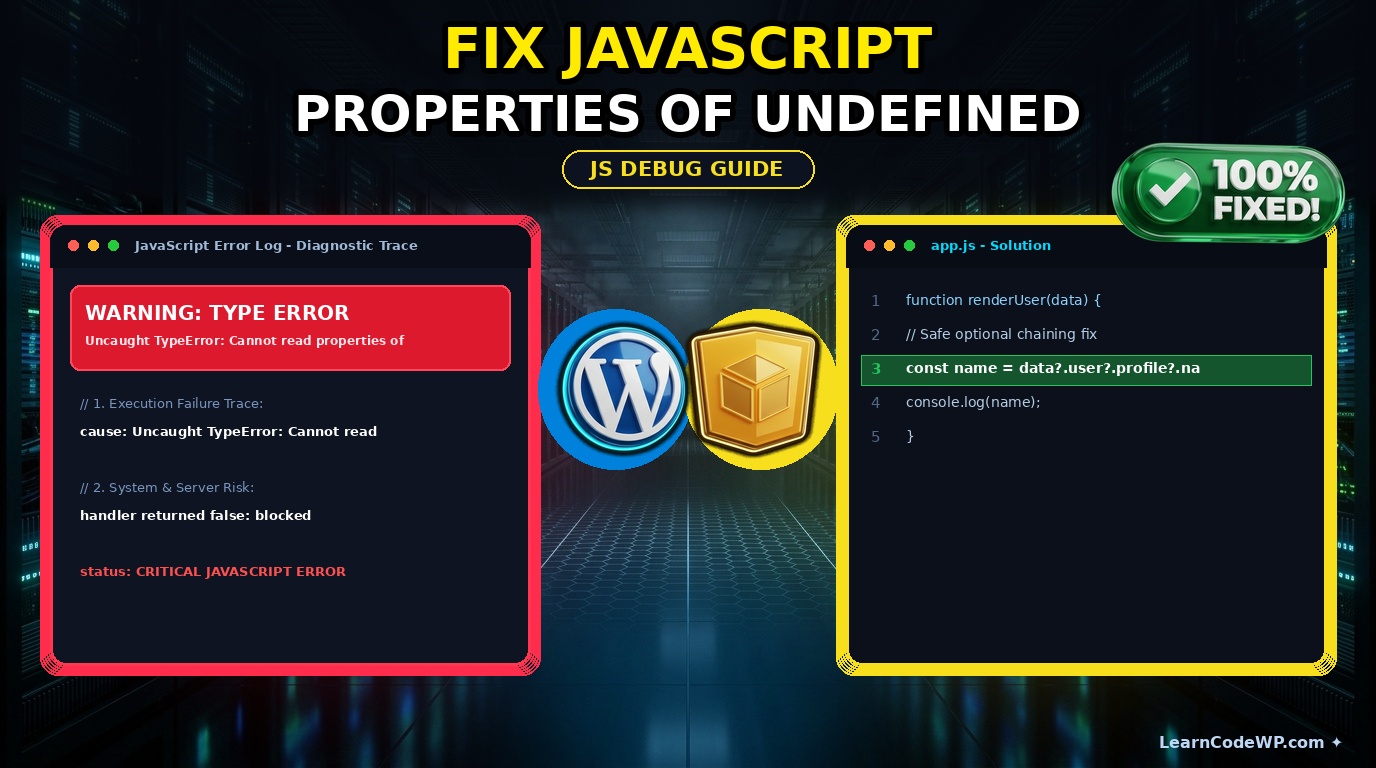

How to fix javascript cannot read properties of null is one of the most common hurdles web developers face when building interactive frontend applications. Here is what catches developers off guard: your script executes before the Document Object Model has finished parsing, or your query selector simply fails to find a matching target node. When that happens, your target variable evaluates to null instead of an element object. Attempting to call methods like addEventListener or read properties like length on that null reference immediately halts execution with a fatal runtime exception.
Why This Runtime Exception Occurs Under the Hood
A mistake I see developers make all the time in production is placing script tags inside the document head without an async or defer attribute. When the browser hits that JavaScript block, it halts HTML parsing. Elements placed further down in the DOM tree do not exist yet. Don’t just copy-paste this blindly—check your server config first and review how scripts are loaded. If you attempt to query a missing DOM node, you will encounter the exact same frustration outlined in our guide on how to fix javascript cannot read properties of null addEventListener.
Under the hood, JavaScript engines treat null as the intentional absence of any object value. Unlike undefined, which means a variable has been declared but not yet initialized, null is an assignment value. When you try to access a property on it, the engine throws a TypeError because null does not inherit from any prototype chain containing those methods. To understand the underlying language specifications, consult the official MDN Web Docs.
How to Fix Cannot Read Properties of Null
Let us look at a robust, production-ready code snippet that prevents this error entirely using modern optional chaining and conditional guards. Before reading any properties, always verify that the DOM node exists.
app.jsdocument.addEventListener('DOMContentLoaded', () => {
  const submitButton = document.querySelector('#submit-form-btn');

  // Safe conditional guard check
  if (submitButton !== null) {
    submitButton.addEventListener('click', (event) => {
      console.log('Button clicked successfully!');
    });
  }
});
Line-by-Line Code Breakdown
Let us break down what each line does in the script above:
1. document.addEventListener('DOMContentLoaded', ...) ensures that our script waits until the initial HTML document has been completely parsed without waiting for stylesheets or images to load.
2. const submitButton = document.querySelector('#submit-form-btn'); queries the DOM for our target element. If no element with that ID exists, submitButton becomes null.
3. if (submitButton !== null) acts as our defensive barrier, guaranteeing that we never execute methods on a non-existent reference.
4. submitButton.addEventListener(...) safely attaches our event handler only when the element is verified to be present.
Comparison of Safe DOM Querying Techniques
Here is a quick reference table comparing different approaches to handling missing DOM elements in modern JavaScript applications.
| Approach | Pros | Cons |
|---|---|---|
| Optional Chaining (?.) | Clean, concise syntax; native to ES2020. | Does not prevent execution of downstream blocks if not handled carefully. |
| Explicit If Statement | Highly readable; excellent for legacy browser support. | Adds boilerplate indentation lines to your codebase. |
| Try/Catch Block | Catches unexpected runtime exceptions broadly. | Overkill for simple DOM queries; masks other potential bugs. |
Troubleshooting & Edge Cases
Sometimes, even with DOMContentLoaded, dynamic single-page applications or asynchronous frameworks might inject markup after your initial script execution. If you are working with complex backend templates, you might also encounter server-side warnings similar to those discussed in our guide on how to fix php errors wordpress. Always verify your component lifecycle hooks and make sure your selectors are targeting the correct container IDs.
Frequently Asked Questions
How to fix cannot read properties of null in JavaScript?
You can fix this error by wrapping your DOM manipulation logic inside a conditional statement that checks if the element is not null, or by using optional chaining syntax like element?.property before accessing nested values.
What is the difference between null and undefined errors?
An undefined error occurs when a variable has been declared without an assigned value. A null error occurs when a variable explicitly points to no object, usually because a DOM query failed to locate an element on the page.
How do I prevent runtime crashes when using event listeners?
Always check that your element query returns a valid node reference before calling addEventListener. Utilizing modern frontend bundling tools and proper script loading attributes will also mitigate timing issues.