
Here is what catches developers off guard: you load up your client’s staging site, click edit with Elementor, and watch the gray loader spin infinitely into the abyss. A mistake I see developers make all the time in production is blindly clearing browser caches without checking server-side memory bottlenecks or JavaScript console fatal exceptions. When you need to how to fix elementor stuck on loading screen, you cannot rely on generic plugin deactivations. You need a systematic debugging protocol.
Under the hood, the Elementor editor runs on an intensive REST API backbone and bootstraps a heavy React-based SPA inside the WordPress dashboard. If your PHP process hits a memory ceiling, or if an aggressive security plugin blocks admin-ajax.php or REST endpoints, the bootstrap sequence halts entirely. Let us look at how to diagnose and resolve this once and for all.
Why is Elementor Not Loading? (Diagnostic Breakdown)
Before running random fixes, you need to know why this happens. Common culprits include exhausted PHP memory limits, missing JSON extension support, corrupted .htaccess rewrite rules, or plugin conflicts throwing unhandled exceptions in the DOM. If you have ever experienced a sudden crash similar to a fix white screen of death wordpress scenario, you know how critical server error logs are.
Open your browser’s Developer Tools (F12) and click the Console tab. If you see mixed content warnings or a 403 Forbidden error on admin-ajax.php, your web server firewall or mod_security is likely intercepting Elementor’s POST requests. Alternatively, if your site suffers from a wordpress rest api error, the page builder simply cannot fetch the required JSON schema to render widgets.
Step-by-Step Fix for Elementor Stuck on Loading Screen
Don’t just copy-paste this blindly—check your server config first. We will tackle the most reliable configuration adjustments required for modern WordPress hosting environments running PHP 8.x.
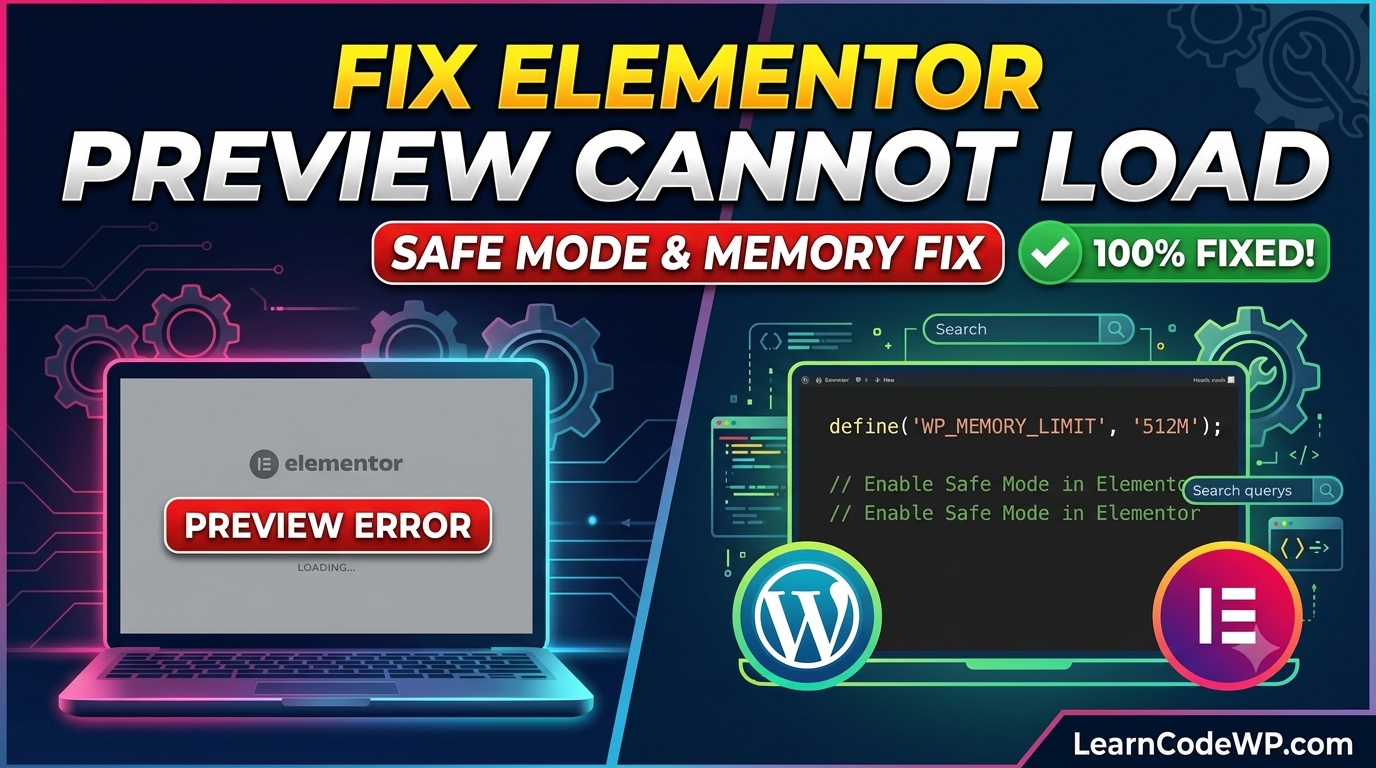
First, let’s bump up your memory allocation and enable safe mode execution headers. Open your wp-config.php file and insert the following constant definitions right before the ‘That’s all, stop editing!’ comment line.
wp-config.phpdefine( 'WP_MEMORY_LIMIT', '512M' );
define( 'WP_MAX_MEMORY_LIMIT', '512M' );
define( 'FS_METHOD', 'direct' );
Next, examine your server’s PHP configuration. According to PHP Official Documentation, running complex single-page applications inside an iframe requires adequate execution time and POST max sizes. Update your php.ini or .htaccess files with these settings:
.htaccessphp_value memory_limit 512M
php_value max_execution_time 300
php_value post_max_size 64M
php_value upload_max_filesize 64M
If you are on an Nginx server managed via tools like Nginx Official Docs, you will need to adjust your fastcgi_read_timeout and client_max_body_size directives inside your site configuration block to prevent Gateway timeouts during Elementor boots.
Why is Elementor So Slow or Laggy?
Performance issues usually stem from excessive DOM elements, unoptimized third-party addons, or outdated Gutenberg migrations. If your editor is sluggish, verify that your active theme isn’t conflicting with Elementor’s flexbox container experiment. You can disable problematic experimental features directly in your database using WP-CLI:
Terminal Commandwp option update elementor_experiment-e_dom_optimization inactive
For further reading on core WordPress optimization standards, check out official guides on WordPress Developer Resources.
Comparative Summary of Elementor Diagnostic Fixes
Review this quick reference table when troubleshooting similar builder issues across staging environments:
| Error Symptom | Root Cause | Recommended Developer Fix |
|---|---|---|
| Infinite Loading Spinner | Exhausted PHP Memory | Increase WP_MEMORY_LIMIT to 512M |
| 403 Forbidden in Console | Mod_Security / Firewall | Whitelist admin-ajax.php rules |
| REST API Failed Response | Broken Permalinks / SSL | Resave permalink structure in dashboard |
Frequently Asked Questions
Why is elementor not loading on my computer?
If Elementor loads fine on other machines but fails on yours, it is typically caused by aggressive browser extensions like ad blockers or strict VPN privacy shields blocking local script execution. Try opening the editor in an Incognito window with all extensions disabled.
How do I enable Elementor Safe Mode?
Navigate to Elementor > Tools in your WordPress admin dashboard and click ‘Enable’ next to Safe Mode. This isolates the editor from all third-party plugins and themes to help you pinpoint conflict sources quickly.
Why is the Elementor editor so laggy?
Editor lag is normally triggered by bloated widget nesting or low PHP allocated memory. Switch off unused experimental features and ensure your server is running PHP 8.0 or higher with OPcache enabled.