
CSS text overflow ellipsis not working is one of those annoying front-end bugs that instantly drains your production momentum. You write the classic combination of properties—white-space: nowrap, overflow: hidden, and text-overflow: ellipsis—only to watch your text bleed off the edge or wrap awkwardly onto a second line. Here is what catches developers off guard: text-overflow requires specific layout conditions to calculate boundaries. Without a defined width, block context, or correct flexbox constraints, the browser simply ignores your styling rules.
A mistake I see developers make all the time in production is slapping these ellipsis properties onto a flex container or a grid item without considering how intrinsic sizing rules behave. Before diving into code, check out our related guide on Fix CSS Position Sticky Not Working: Ultimate Developer Guide to master layout constraints in complex component trees.
Why CSS Text Overflow Ellipsis Fails in Modern Layouts
Here is what actually happens under the hood. The text-overflow property only triggers when an inline-level box overflows its content box, and the containing element has a fixed width or max-width constraint. If your element is set to expand dynamically based on its text children, the browser treats it as infinitely expandable. Therefore, no overflow condition occurs, and the ellipsis never renders.
This issue multiplies exponentially when working with modern CSS flexbox and grid specifications. By default, flex items have a min-width: auto property. This means a flex child refuses to shrink below the minimum size of its content. Consequently, long strings override your container restrictions, blowing past the viewport edge. To understand core element formatting specs, reference the official MDN Web Docs.
Step-by-Step Fix for Standard Block Elements
If your text lives inside a standard block container like a paragraph or a div, fixing the truncation requires the holy trinity of text-overflow properties applied simultaneously. Don’t just copy-paste this blindly—check your parent container’s width first.
style.css.truncate-text {
  width: 100%;
  max-width: 350px;
  white-space: nowrap;
  overflow: hidden;
  text-overflow: ellipsis;
}
Let’s break down what each line achieves in the stylesheet:
1. width: 100% and max-width: 350px set strict boundaries so the browser knows exactly when the content exceeds its designated container.
2. white-space: nowrap forces the text string onto a single horizontal line, suppressing natural line breaks.
3. overflow: hidden clips any visual rendering that bleeds outside the bounding box.
4. text-overflow: ellipsis appends the classic (…) character sequence to denote truncated content.
How to Fix Text Overflow in Flexbox Containers
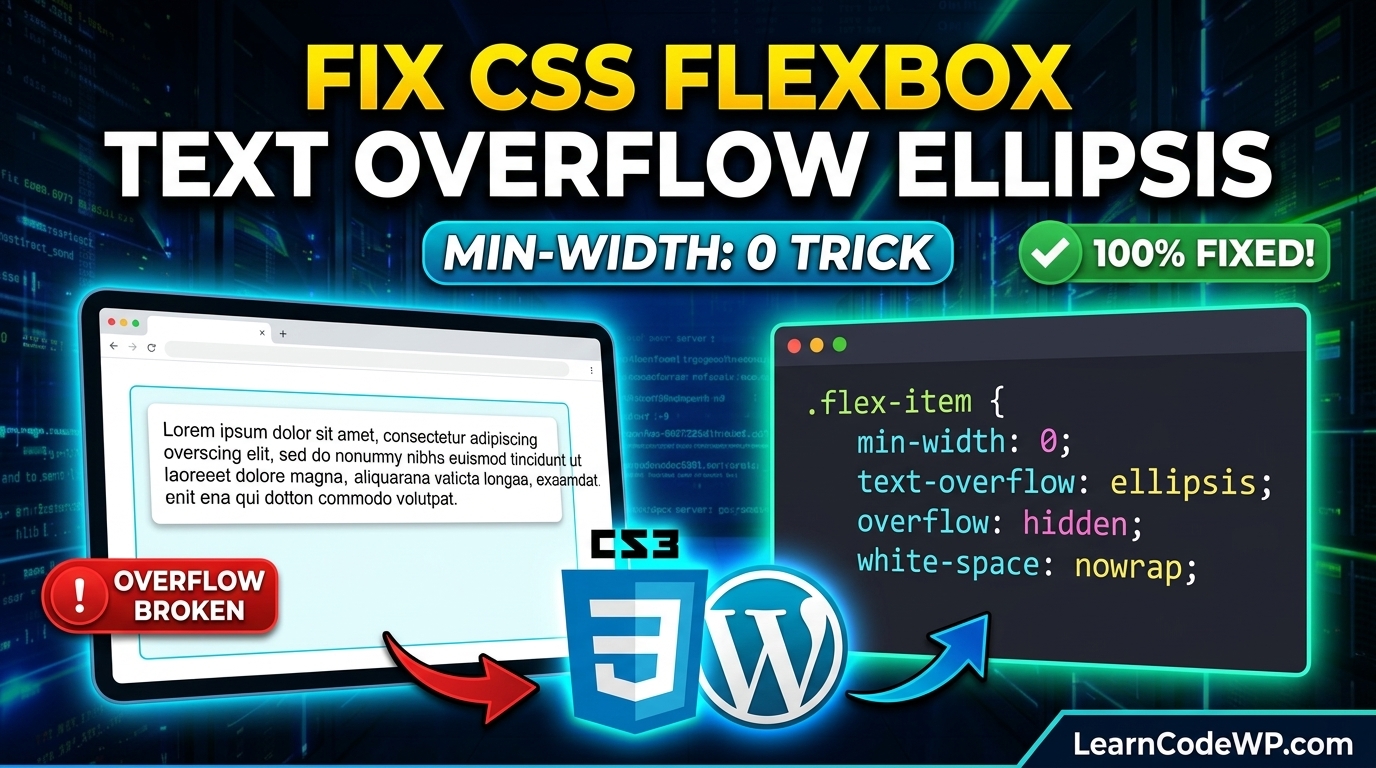
Flexbox is the number one culprit when troubleshooting css text overflow ellipsis not working. Because flex items resist shrinking, you must explicitly override their minimum sizing behavior using min-width: 0.
style.css.flex-parent {
  display: flex;
  width: 100%;
}

.flex-child-truncate {
  min-width: 0;
  flex: 1;
  white-space: nowrap;
  overflow: hidden;
  text-overflow: ellipsis;
}
By setting min-width: 0 on the flex child, you grant the browser permission to shrink the item below its content’s intrinsic minimum size. Combined with flex: 1, the element successfully calculates its constraints and renders the ellipsis cleanly.
Comparison of Truncation Methods Across Layout Engines
Different layout models require distinct property combinations to enforce text clipping. Here is a quick reference table comparing block, flexbox, and grid requirements:
| Layout Engine | Required Width Rule | Shrink Prevention Fix | Ellipsis Trigger |
|---|---|---|---|
| Block Layout | Explicit width or max-width | Not applicable | white-space: nowrap |
| Flexbox Layout | flex: 1 or width value | min-width: 0 | white-space: nowrap |
| CSS Grid | minmax(0, 1fr) | grid item override | white-space: nowrap |
Troubleshooting & Gotchas
Watch out for inline elements. The text-overflow property has zero effect on elements with display: inline. You must change the element display type to inline-block or block. Furthermore, nested spans inside table cells often require explicit table layout fixed declarations to respect width constraints.
Frequently Asked Questions
Why is my css text overflow ellipsis not working in a table cell?
Table cells automatically resize based on their content. To fix this, add table-layout: fixed to your table element and apply a strict pixel or percentage width to the specific table cell or column.
How do I handle multi-line text truncation with an ellipsis?
Standard text-overflow only supports single lines. For multi-line clamping, use modern WebKit box clamping properties: display: -webkit-box; -webkit-line-clamp: 3; -webkit-box-orient: vertical; overflow: hidden;.
Does CSS text-overflow work on images or block elements?
No. The property is strictly designed for text content strings. For images or complex components, use CSS object-fit or clip-path properties to handle visual overflow boundaries.