
Here is what catches developers off guard: you write a clean, modern script to manipulate the DOM or parse an API response, and suddenly your console blows up with a cryptic red stack trace. The JavaScript cannot read properties of undefined error is arguably the most common runtime exception in frontend development. It stops script execution dead in its tracks, breaking dropdowns, form submissions, and dynamic UI renders. If you have been banging your head against the wall trying to figure out how to fix cannot read properties of undefined, you are in the right place.
Understanding the Root Cause
A mistake I see developers make all the time in production is assuming an asynchronous data payload or a DOM element is always present when a function executes. Under the hood, the JavaScript engine tries to access a nested property (like reading a .length property or calling a method) on a target variable that currently evaluates to undefined or null. Because undefined is not an object, it has no properties to read. The engine throws a fatal TypeError immediately.
Before tackling complex fixes, make sure your broader script execution is solid. For example, if you are working with asynchronous requests, ensure you handle your responses correctly, as outlined in our guide on how to fix unhandled promise rejection in fetch api. Similarly, if your script interacts with custom elements or observer patterns, watch out for scoping issues similar to those discussed when you fix intersection observer memory leak errors.
How to Fix Cannot Read Properties of Undefined
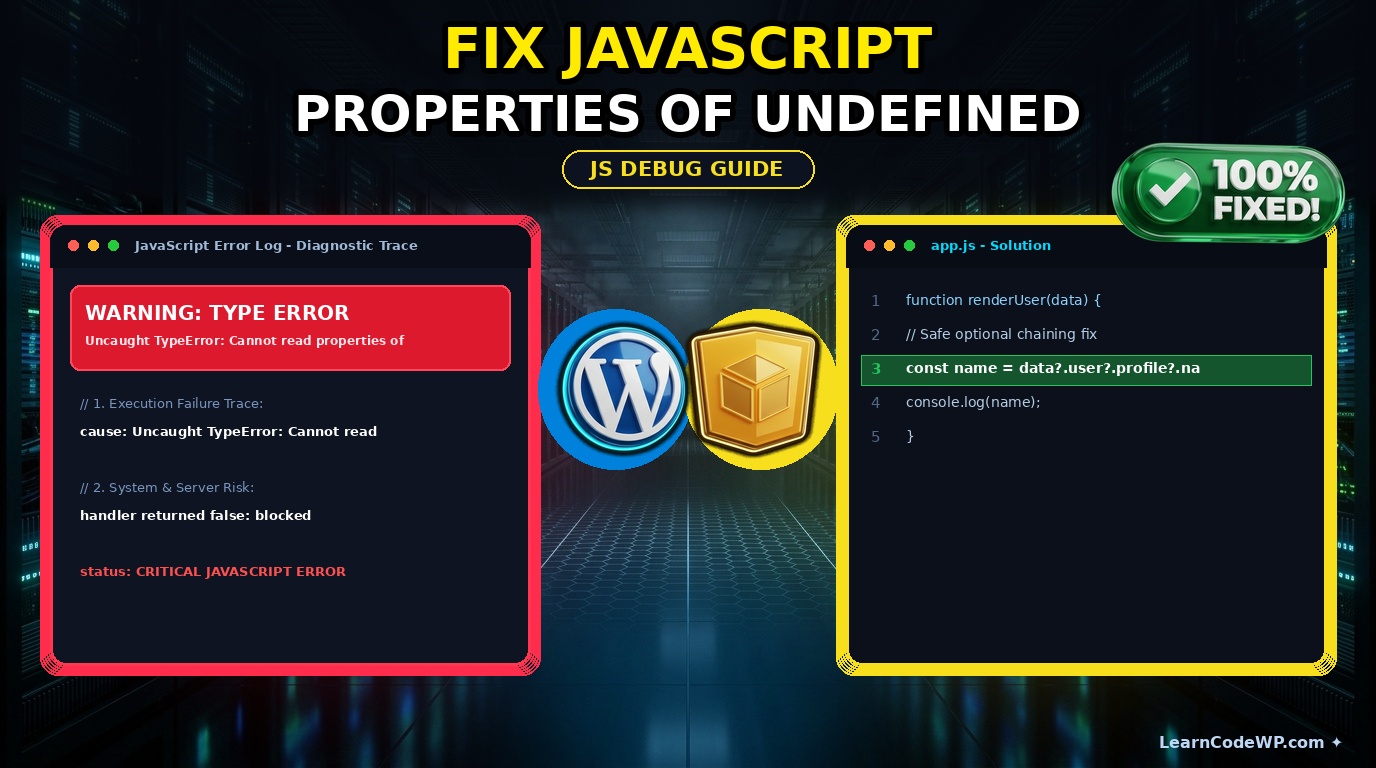
To fix this exception permanently, you need to implement defensive programming techniques. This includes utilizing optional chaining, strict conditional guards, and sensible default values. Let us look at a practical code implementation that resolves the crash safely.
app.js// Vulnerable code snippet prone to crashing
function updateUserProfile(data) {
  // Throws TypeError if data or user is undefined
  const username = data.user.profile.name;
  console.log(username);
}

// Production-ready safe implementation using optional chaining
function updateUserProfileSafe(data) {
  const username = data?.user?.profile?.name ?? 'Guest User';
  console.log(username);
}

updateUserProfileSafe(null);
Line-by-Line Code Explanation
1. data?.user?.profile?.name: We use the Modern ECMAScript optional chaining operator (?.). If any reference along this property chain evaluates to null or undefined, the expression short-circuits and safely returns undefined instead of throwing a hard exception.
2. ?? 'Guest User': The nullish coalescing operator checks if the left-hand side is strictly null or undefined. If it is, it falls back to the default string 'Guest User'. You can learn more about expression evaluations in the official MDN Web Docs JavaScript Guide.
Comparative Approaches for Safety
Here is a quick breakdown of how different defense strategies stack up against each other in modern JavaScript environments:
| Approach | Pros | Cons |
|---|---|---|
| Optional Chaining (?.) | Clean syntax, highly readable, native support | Requires modern browser or Babel transpilation |
| Logical AND (&&) | Works in older environments | Verbose, prone to falsy bug evaluations (0, empty string) |
| Try / Catch Block | Handles catastrophic parsing failures | Overkill for simple property checks, hurts performance |
Troubleshooting & Edge Cases
Don’t just copy-paste this blindly—check your server config first and verify how your API endpoints structure their JSON responses. A common gotcha occurs when backend developers modify a database schema, changing nested keys without updating frontend consumers. Always inspect your payload inside your browser developer tools network tab. Reference the WordPress Developer Resources if you are parsing localized script variables inside custom themes or plugins.
Frequently Asked Questions
Why does JavaScript throw cannot read properties of undefined?
This error occurs when your code attempts to access a property or call a method on a variable that currently holds an undefined value. Because undefined is not a valid object instance, the JavaScript runtime engine aborts script execution and throws a TypeError.
How do I fix cannot read properties of null?
While similar to undefined errors, null errors happen when a variable is intentionally assigned null or a DOM query selector fails to locate an element on the page. Use optional chaining or verify that your DOM nodes exist before attaching event listeners.
Can I use optional chaining in older browsers?
Optional chaining is supported in all modern browsers released after 2020. If you need to support legacy environments like Internet Explorer 11, configure a compiler toolchain like Babel to transpile your code down to ES5 safely.