
A mistake I see developers make all the time in production is writing clean async code without proper error boundaries, leading straight to an unhandled promise rejection in fetch api calls. If your modern WordPress theme or custom web application makes asynchronous HTTP requests using the browser’s native capabilities, you have likely stared at cryptic console warnings. Here is what catches developers off guard: unlike traditional synchronous operations or older XMLHttpRequest wrappers, the modern fetch method does not reject on HTTP error statuses like 404 or 500. It only rejects on network failures or when something prevents the request from completing.
Before diving into the fix, ensure your underlying environment setup is clean. Sometimes network errors stem from misconfigured server headers or caching plugins, much like what you encounter when you fix nginx upstream sent too big header errors on heavy server environments. Understanding how the network layer operates is half the battle when debugging client-side scripts.
Why Unhandled Promise Rejections Crash Modern JavaScript Apps
Here is what actually happens under the hood when a promise is left unhandled. When an asynchronous operation fails and no rejection handler is attached to the returned Promise object, the JavaScript runtime emits an unhandledrejection event. In node environments or strict browser settings, this can terminate execution or clutter your error tracking tools with noise.
Consider a standard API call querying a WordPress REST endpoint. If the endpoint returns a 404 Not Found, fetch considers the request successful because a response was received from the server. Your code then attempts to parse the payload as JSON, throwing a syntax error when it encounters an HTML error page instead. To master this behavior, reference the official MDN Web Docs on Fetch API for precise specification details.
Step-by-Step Fix for Fetch API Rejections
Don’t just copy-paste this blindly—check your server config first and ensure your endpoints return valid JSON content types. Below is the bulletproof implementation pattern you should adopt across your vanilla JavaScript projects.
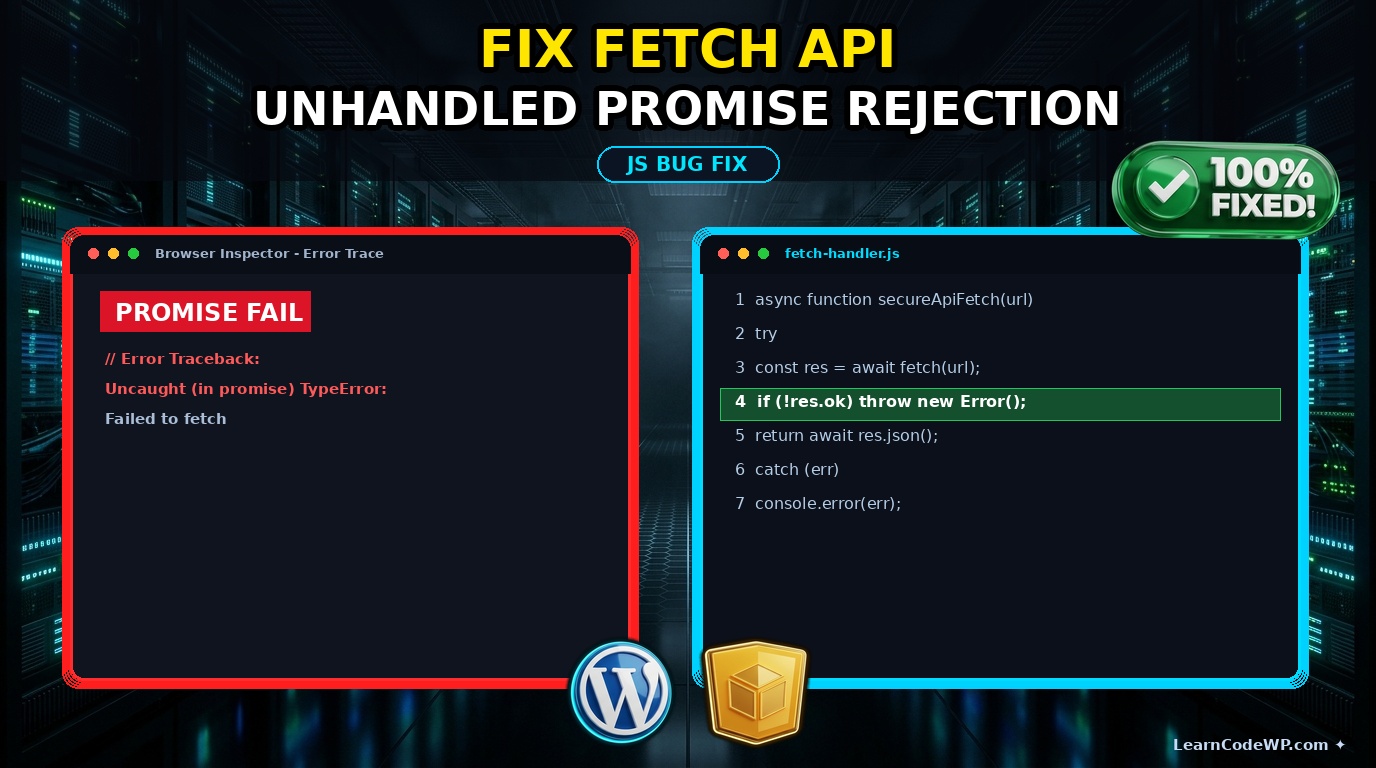
fetch-handler.jsasync function secureApiFetch(url, options = {}) { try { const response = await fetch(url, options); if (!response.ok) { throw new Error(`HTTP error! status: ${response.status}`); } const contentType = response.headers.get("content-type"); if (!contentType || !contentType.includes("application/json")) { throw new TypeError("Oops, we didn't get JSON!"); } return await response.json(); } catch (error) { console.error("Caught fetch rejection:", error.message); // Fallback or rethrow based on application needs return null; }}
Let us break down what each line of this defensive function does in production environments:
- async/await wrapper: Ensures we can cleanly catch both network-level exceptions and synchronous errors thrown inside the try block.
- response.ok check: Evaluates whether the HTTP status code falls in the successful 200-299 range, correcting fetch’s default behavior.
- content-type validation: Protects your application from parsing unexpected HTML error documents.
- catch block: Intercepts any thrown errors, preventing unhandled promise rejections from bubbling up.
If you are building intricate DOM structures or handling complex events elsewhere in your application, you might also want to review how to fix intersection observer memory leak issues to keep your client-side runtime lean and performant.
Comparison of Error Handling Approaches
Review this comparative table to understand the strengths and weaknesses of different asynchronous error management strategies.
| Approach | Catches Network Errors | Catches HTTP 4xx/5xx | Code Readability |
|---|---|---|---|
| Raw Fetch (.then) | Yes | No (Requires manual check) | Low (Callback Hell) |
| Async/Await Basic | Yes | No (Requires response.ok) | Medium |
| Defensive Async/Await | Yes | Yes | High (Production Ready) |
Troubleshooting & Edge Cases
Even with robust code, edge cases appear. CORS blocks can trigger opaque responses where status is zero. Always verify your Access-Control-Allow-Origin headers on the server side. Furthermore, if your application interacts with deeply nested DOM nodes or UI components, make sure your asynchronous updates don’t collide with page lifecycle events.
Frequently Asked Questions
Why does fetch not reject on a 404 error?
According to the official WordPress Developer Resources guidelines on HTTP APIs and general browser specs, fetch considers a server response a success as long as the server responds, regardless of status code.
How do I catch global unhandled rejections?
You can listen to the unhandledrejection event on the window object to log or report unexpected asynchronous failures globally across your script files.
Is try/catch required when using async await?
Yes, without try/catch blocks surrounding your await expressions, any rejected promise will bubble up as an unhandled rejection in your console.