
The dreaded fix php headers already sent warning is one of the most frustrating errors you will encounter while managing a WordPress site. It usually strikes when you update a plugin, add a custom snippet to your theme files, or migrate to a new server. Suddenly, your entire site frontend breaks, or your WordPress administration dashboard displays a wall of text warning you that output started at line 1.
Here is what catches developers off guard: PHP requires all HTTP headers to be sent to the browser before any actual content—like HTML tags, whitespace, or carriage returns—is output. Once a single byte of data is sent down the wire, functions like header(), setcookie(), or WordPress session handlers fail. Before jumping into code modifications, make sure you understand how the PHP manual defines header handling to avoid unexpected race conditions.
Comprehensive Problem Breakdown and Diagnostic Logs
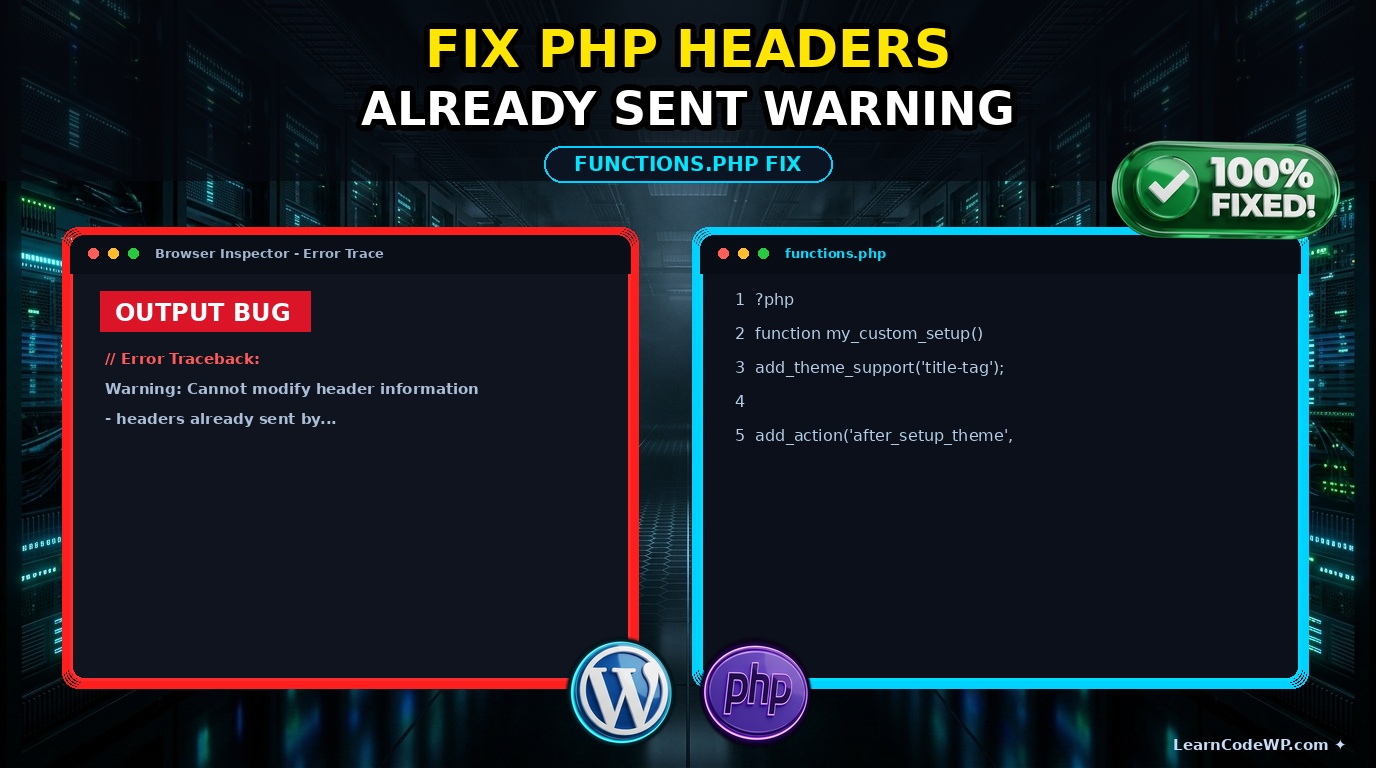
When this error occurs, your server error logs or your screen will display a message similar to this:
error.logWarning: Cannot modify header information - headers already sent by (output started at /var/www/html/wp-content/themes/my-theme/functions.php:12) in /var/www/html/wp-includes/pluggable.php on line 1179
A mistake I see developers make all the time in production is editing PHP files using default text editors that inject invisible Byte Order Marks (BOM) or leave trailing whitespace after the closing ?> tag. If you need a clean slate for handling custom hooks, you might want to review how to remove core block patterns in WordPress via functions.php using clean, BOM-free structures.
Step-by-Step Fix for PHP Headers Already Sent Warnings
Let’s dive into resolving this issue systematically. Follow these steps to track down the rogue output and restore your site performance.
Step 1: Inspect Your functions.php File for Trailing Whitespace
Open your active theme’s functions.php or your custom site plugin. Look at the very end of the file. If you see a closing PHP tag followed by blank lines, delete them immediately. Better yet, omit the closing ?> tag entirely as recommended by WordPress PHP Coding Standards.
functions.php<?php
/**
 * Custom functions without trailing whitespace.
 */
function my_custom_site_setup() {
    add_theme_support( 'post-thumbnails' );
}
add_action( 'after_setup_theme', 'my_custom_site_setup' );
// Omit closing PHP tag to prevent accidental whitespace output.
Step 2: Leverage Output Buffering as a Defensive Fallback
If third-party plugins insist on outputting stray characters early in the execution lifecycle, you can force PHP to buffer all output until script execution finishes. While this masks the underlying symptom rather than curing the root cause, it prevents fatal crashes on production sites.
wp-config.php// Add this near the top of your wp-config.php file
if ( ! defined( 'WP_MEMORY_LIMIT' ) ) {
    define( 'WP_MEMORY_LIMIT', '256M' );
}

// Enable output buffering to catch stray whitespace
function_exists( 'ob_start' ) ? ob_start( 'ob_gzhandler' ) : ob_start();
If you are debugging complicated layout templates or troubleshooting unexpected query outputs that trigger redirects, you might also find it helpful to reference our guide on how to fix elementor custom query pagination to ensure your redirection headers fire cleanly before template rendering.
Summary Comparison of Troubleshooting Methods
| Method | Effectiveness | Risk Level | Best Used For |
|---|---|---|---|
| Remove Trailing Whitespace | Permanent | None | functions.php & plugin files |
| Enable Output Buffering | Temporary / Shield | Low | High-traffic production servers |
| Disable Active Plugins | Diagnostic | Medium | Isolating third-party code bugs |
Troubleshooting & Gotchas
Don’t just copy-paste this blindly—check your server config first. Some web hosts enable aggressive compression modules or custom error handlers in php.ini that interfere with standard header delivery. Additionally, check for UTF-8 BOM encoding if you edit files using Notepad on Windows. Switch your editor to UTF-8 without BOM immediately.
Frequently Asked Questions
What causes the headers already sent warning in PHP 8?
PHP 8 enforces strict error reporting and execution timelines. Any stray whitespace, HTML echo statement, or syntax notice sent before a header call triggers this fatal warning instantly.
Can I suppress this error using display_errors = Off?
Hiding error display on your production server prevents visitors from seeing the warning, but it does not fix the broken HTTP headers. Redirection and cookie setting functions will still fail silently.
How do I find out which file caused the output?
The PHP warning message explicitly names the file and line number where output started (e.g., functions.php on line 12). Inspect that exact file first.