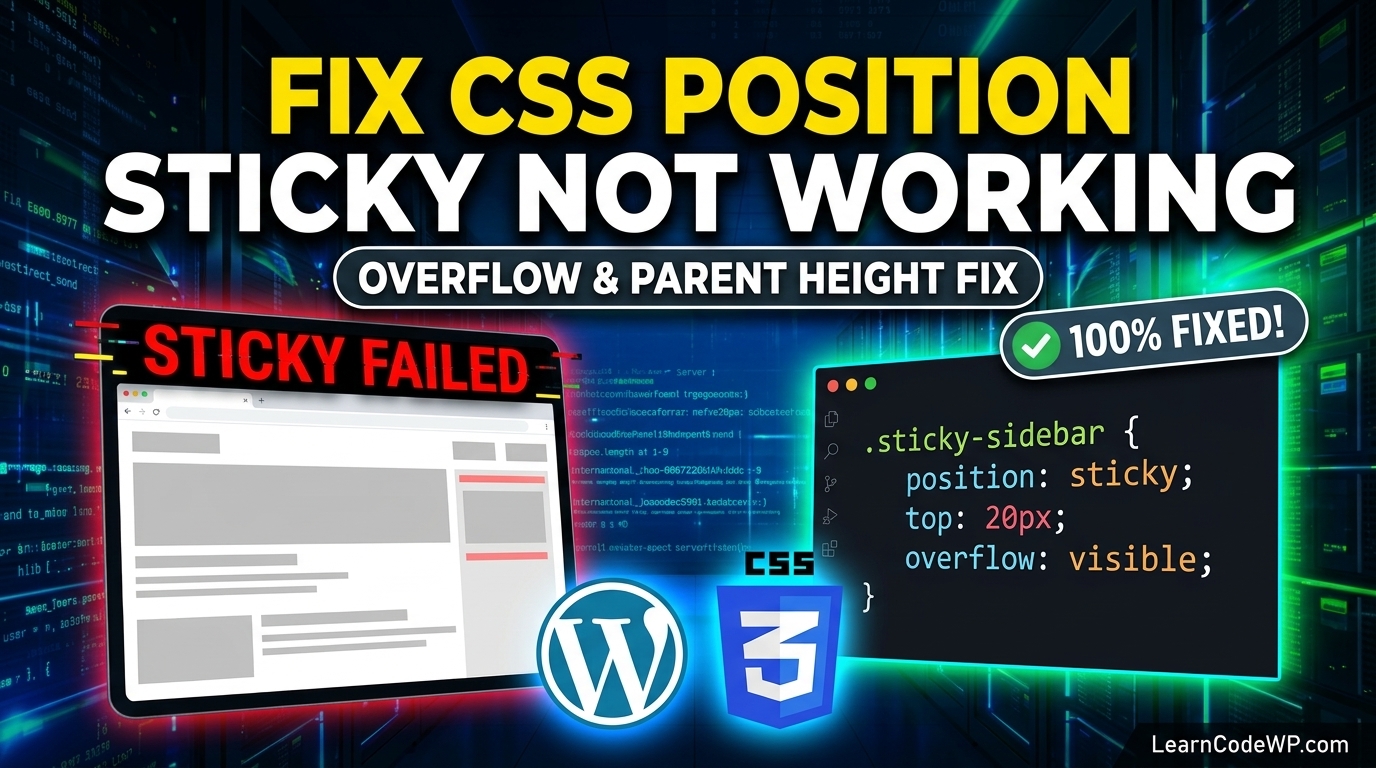

CSS position sticky not working is one of the most frustrating frontend bugs you will encounter when building modern user interfaces. A mistake I see developers make all the time in production is slapping position: sticky onto an element and expecting it to behave immediately without checking its parent containment chain. Here is what catches developers off guard: sticky positioning relies entirely on the geometry and overflow properties of its parent containers. If a single ancestor has an explicit overflow setting or lacks a defined height, your sticky element will scroll right past the viewport like standard static content.
Why CSS Position Sticky Fails in Modern Layouts
To understand how to fix overflow css issues that break layout scrolling, you need to understand what happens under the hood. The browser calculates sticky positioning relative to the nearest ancestor with a scrolling mechanism. If no ancestor has a scroll container, it defaults to the viewport. However, if any parent element between your sticky child and the root HTML has overflow: hidden, overflow: clip, overflow: scroll, or overflow: auto, the sticky context is bound to that parent instead of the window. This completely breaks sticky headers or sidebars that need to track the main document scroll position.
Another common culprit is height constraint. A sticky element stops sticking as soon as its parent container’s bottom boundary is reached. If your wrapper element has a height of auto or collapses to the exact height of the sticky child, there is zero room for the element to travel. It becomes structurally impossible for the browser to create the sticky scroll effect. Before diving into complex layouts, make sure you understand how to fix css grid item overflowing container bugs, as grid tracks and flex items frequently create unexpected clipping contexts that destroy sticky behavior.
How to Fix CSS Position Sticky Not Working With Flexbox and Grid
When working with modern CSS layout modules, flexbox and grid introduce additional layout rules that often conflict with sticky positioning. Many developers wonder how to fix image overflow css or why flex items refuse to stick. By default, flex items stretch to fill the height of their flex container, but they also have an implicit align-self: stretch or alignment behavior that alters block formatting. Furthermore, flex containers often have display: flex applied without explicit heights, causing sizing calculation failures.
Let us examine a bulletproof CSS snippet that resolves parent overflow constraints and ensures your sticky sidebar or heading works flawlessly across desktop and mobile browsers. Don’t just copy-paste this blindly—check your server config and CSS reset first.
style.css/* Ensure the wrapper container has adequate height and visible overflow */
.main-layout-wrapper {
  display: flex;
  position: relative;
  min-height: 100vh;
  overflow: visible;
}

/* The sticky sidebar must have top offset and self-alignment */
.sidebar-sticky-element {
  position: sticky;
  top: 2rem;
  align-self: flex-start;
  height: calc(100vh - 4rem);
  overflow-y: auto;
}
Here is a line-by-line breakdown of what each property accomplishes in the stylesheet above:
1. display: flex; establishes a flexible container context for our columns.
2. overflow: visible; is critical. It overrides any accidental hidden overflow rules that trap sticky elements.
3. position: sticky; activates the native layout engine tracker for the target child.
4. top: 2rem; defines the exact offset threshold from the top of the viewport where the element freezes.
5. align-self: flex-start; prevents the flex item from stretching to the full height of the container, allowing it to move independently.
Comparative Analysis: Sticky Positioning Gotchas
To quickly diagnose your layout issues, review this comparative breakdown of standard failure states and their corresponding fixes.
| Root Cause | Why It Fails | Corrective Fix |
|---|---|---|
| Parent Overflow | Overflow set to hidden, auto, or scroll on an ancestor container. | Change ancestor overflow to visible or move sticky element outside. |
| Missing Height | Parent wrapper has no height or collapses to child height. | Set explicit min-height or height on the parent container. |
| Flex Stretch Conflict | Flex item stretches full height, leaving zero scroll travel distance. | Apply align-self: flex-start to the sticky child. |
| Transform Property | Parent has transform, filter, or perspective applied. | Remove transform property as it creates a new containing block. |
For more details on styling specifications, consult the official MDN Web Docs on CSS Positioning.
Troubleshooting CSS Position Sticky Not Working on Mobile
Mobile viewports introduce unique rendering quirks. If your sticky element works on desktop Chrome or Safari but breaks on mobile devices, check your viewport meta tag and body overflow properties. Often, mobile wrapper divs inherit hidden overflow rules from poorly coded page builders or framework templates. If you are developing custom WordPress themes, make sure your template parts do not wrap content in containers with restricted bounding boxes. You can read our guide on how to fix white screen of death wordpress errors if layout crashes are triggering fatal PHP or markup exceptions during rendering.
Frequently Asked Questions
Why is my position sticky element scrolling away?
Your element is scrolling away because an ancestor container has an overflow property other than visible, or the parent element lacks a defined height constraint. Sticky elements require a tall enough parent container to move within.
Does CSS position sticky work inside CSS grid containers?
Yes, it works inside CSS grid containers provided that no parent grid cell or track wrapper applies an overflow clipping rule or transforms the coordinate space.
How do I fix sticky positioning in Safari mobile?
Safari requires vendor prefixes for certain experimental layout properties, but standard position: sticky is fully supported. Ensure you have specified a top, bottom, left, or right offset value, as sticky will not activate without at least one offset property declared.