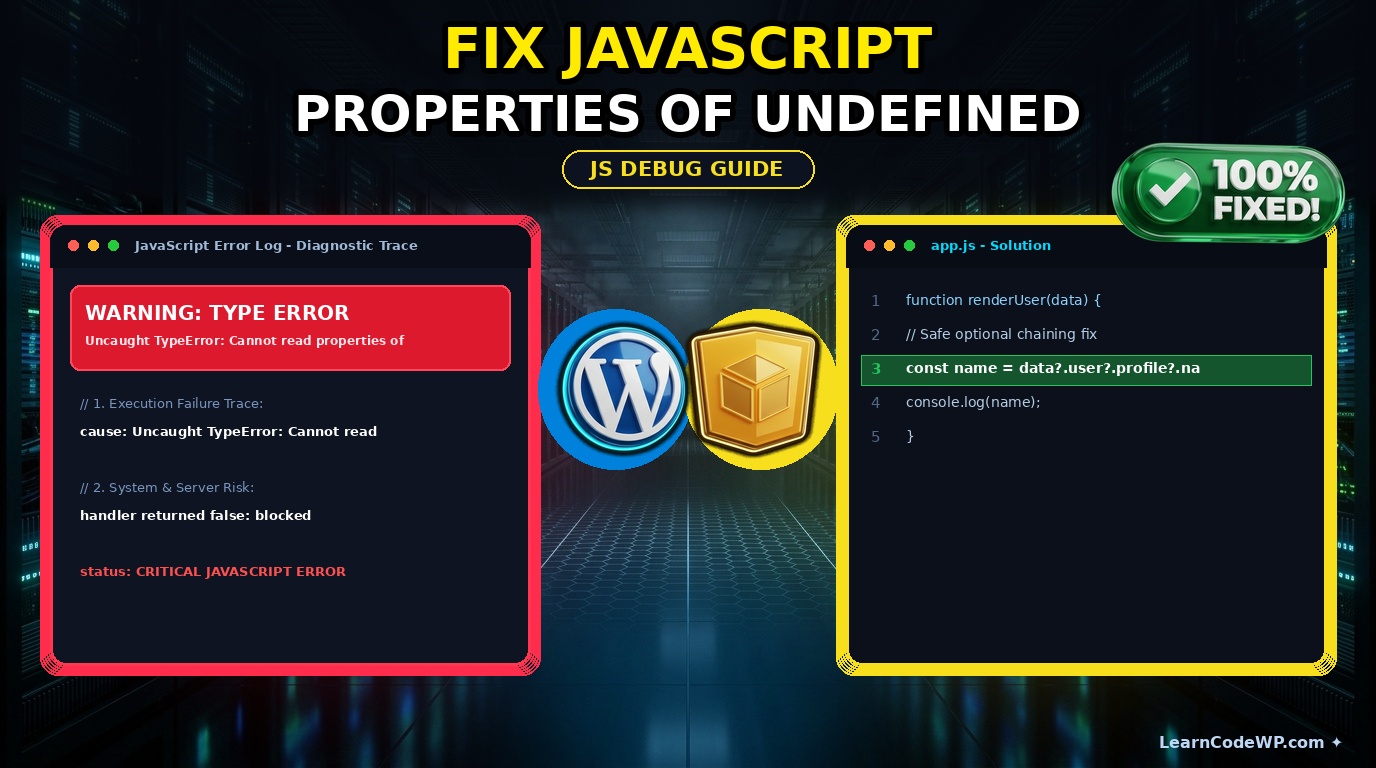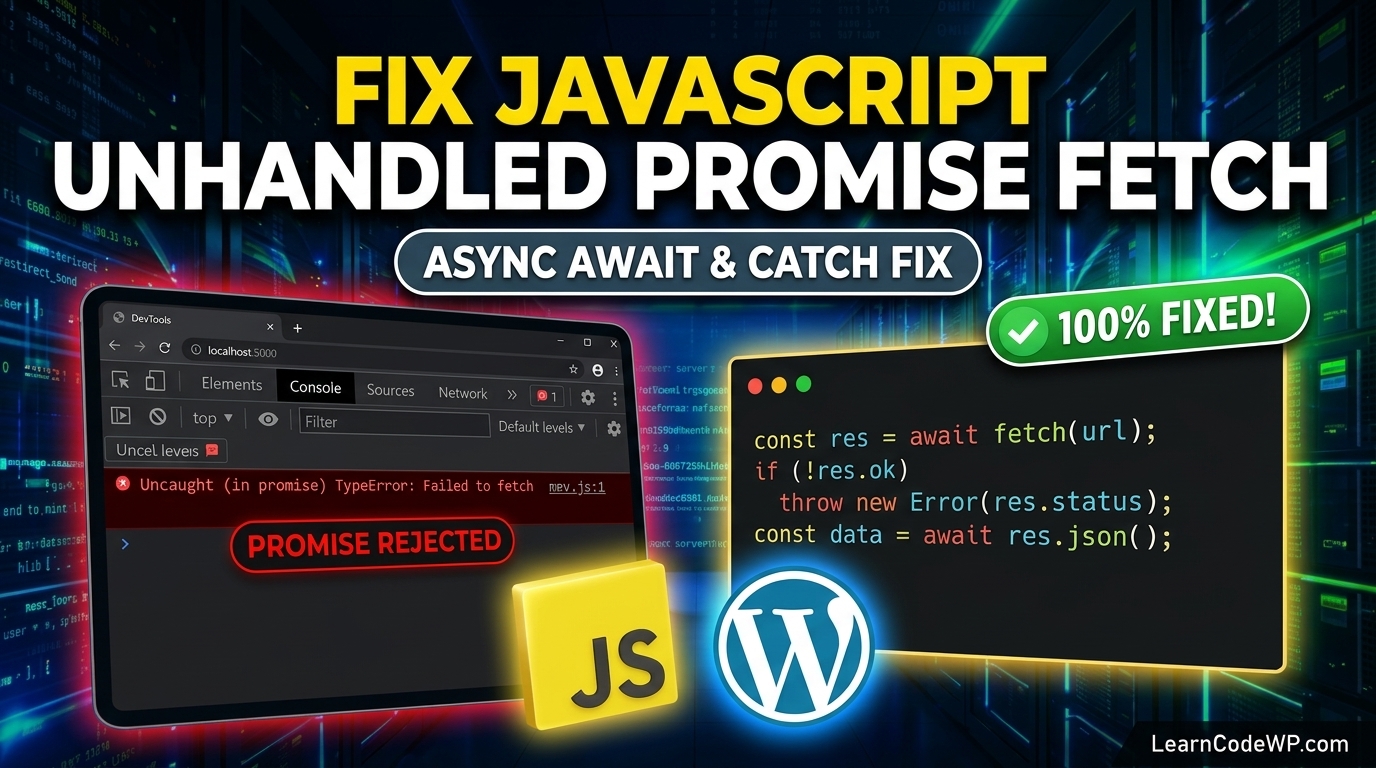

When building interactive web applications, hitting a runtime script crash can bring your UI to a sudden halt. Here is what catches developers off guard: trying to attach interactivity to elements that do not exist yet in the Document Object Model. If you have ever stared at your browser console and seen the infamous javascript cannot read properties of undefined error, you know how frustrating it is. Specifically, when working with DOM bindings, the error often manifests as javascript cannot read properties of null addEventListener.
Don’t just copy-paste this blindly—check your server config and script loading order first. Modern frontend code runs asynchronously, and if your JavaScript executes before the HTML parser renders your buttons or input fields, you will get a null reference.
Understanding Why the Null Reference Occurs
A mistake I see developers make all the time in production: assuming that a DOM selector like document.getElementById() or document.querySelector() will always return a valid element node. If your script runs inside the <head> tag without a defer attribute, or if the target markup is dynamically injected later, your query returns null. When your script immediately tries to call addEventListener on that null value, V8 or SpiderMonkey throws a TypeError.
Let’s look at a broken code snippet that triggers this exact diagnostic message in the console:
script.jsconst submitButton = document.querySelector('#submit-btn');

// This throws: Uncaught TypeError: Cannot read properties of null (reading 'addEventListener')
submitButton.addEventListener('click', function(event) {
  event.preventDefault();
  console.log('Form submitted');
});
Here is what actually happens under the hood: document.querySelector returns null because the element with ID submit-btn hasn’t been parsed into the DOM tree yet. As detailed in the official MDN Web Docs on EventTarget.addEventListener, the method can only be invoked on a valid object reference.
How to Fix Cannot Read Properties of Null addEventListener
To prevent this application-breaking exception, you must implement defensive programming practices. Depending on your architectural patterns, you can use conditional checks, optional chaining, or proper script placement. Before handling complex promises, remember that clean DOM management also prevents unhandled rejections; check out our guide on how to fix unhandled promise rejection in fetch api for asynchronous safety.
Here is the robust, production-ready implementation using a simple conditional safeguard:
script.jsconst submitButton = document.querySelector('#submit-btn');

if (submitButton !== null) {
  submitButton.addEventListener('click', function(event) {
    event.preventDefault();
    console.log('Form submitted safely');
  });
}
Using Optional Chaining for Concise Guard Clauses
If you prefer a more modern, compact syntax, you can leverage optional chaining alongside short-circuit evaluation. This approach keeps your codebase clean without nesting multiple if statements.
script.jsdocument.querySelector('#submit-btn')?.addEventListener('click', (event) => {
  event.preventDefault();
  console.log('Clean optional chaining execution');
});
Let’s examine how each mitigation strategy compares in real-world scenarios:
| Approach | Pros | Cons |
|---|---|---|
| Basic If Check | Highly compatible with older browsers | Adds extra indentation lines |
| Optional Chaining | Extremely concise syntax | Requires ES2020+ environment |
| DOM Content Loaded | Ensures full element availability | Delays execution until entire tree parses |
Troubleshooting & Edge Cases in Complex Apps
When scaling web applications, you might encounter scenarios where script bundles load asynchronously across different pages. If a script executes on a template that lacks a specific button, checking for null prevents global script termination. Always verify your function implementations against the official specifications found at PHP.net or modern web standards when integrating backend-driven templates.
Frequently Asked Questions
How to fix typeerror cannot read properties of null?
This error happens when a DOM query method returns null because the target element is absent. Fix it by adding a conditional check before invoking methods or properties on the variable.
Why does document.querySelector return null?
It returns null when no matching element exists in the DOM at the exact moment the query executes. This is common when scripts run in the document head before the body renders.
Can optional chaining prevent runtime crashes?
Yes. Using the ?. operator short-circuits the expression if the left-hand side evaluates to null or undefined, safely skipping the method call without throwing an exception.