
CSS text-overflow ellipsis not showing is one of the most frustrating layout bugs you will encounter when building modern WordPress themes or custom web interfaces. A mistake I see developers make all the time in production is applying text-overflow: ellipsis to a flex container or child element without accounting for the intrinsic sizing rules of flexbox. Under the hood, flex items refuse to shrink below their minimum content size by default. This forces long strings to overflow their containers rather than truncating cleanly with dots.
Why CSS Text-Overflow Ellipsis Fails in Flexbox
Here is what catches developers off guard: the property text-overflow: ellipsis only works when an element has a defined width, overflow: hidden, and white-space: nowrap. However, when you drop that element inside a flex container, the default value for min-width on a flex item is auto, not 0. Because of this specification rule outlined in the official MDN Web Docs, the browser calculates the element’s width based on its longest unbreakable string. It pushes past the parent container bounds instead of clipping.
Before tackling complex CSS containment fixes, make sure your core layout rules are clean and your stylesheets are properly compiled. If you have been struggling with other layout quirks, you might also want to review our guide on Fix CSS Position Sticky Not Working to ensure your sticky navigation or sidebar containers don’t break unexpectedly.
How to Fix Text Overflow in CSS Flex Containers
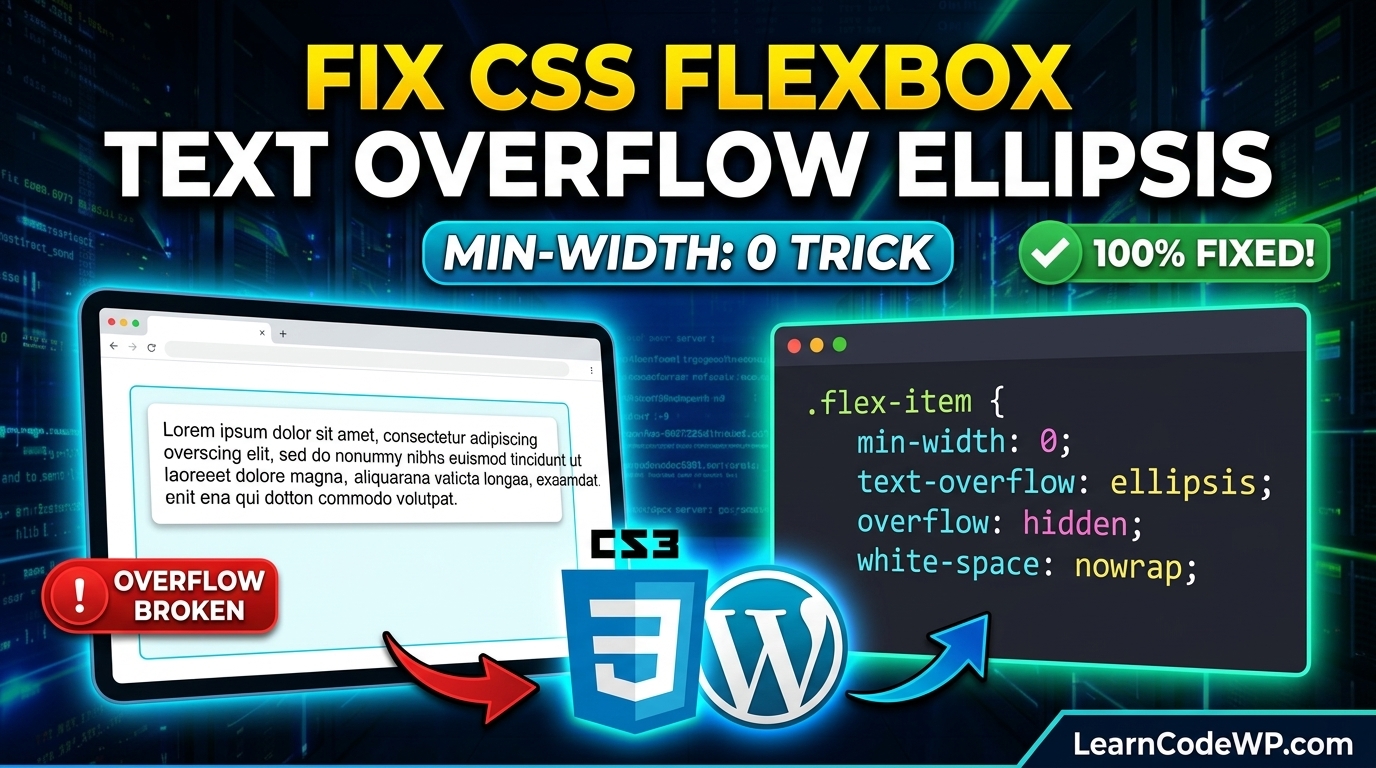
To force the ellipsis to render correctly, you must explicitly override the minimum width behavior of the flex child. Setting min-width: 0 allows the flex item to shrink below its content size. Here is the exact production-ready CSS snippet required to fix this issue:
style.css.flex-parent-container {
  display: flex;
  width: 100%;
  max-width: 600px;
}

.flex-truncated-child {
  flex: 1;
  min-width: 0;
  white-space: nowrap;
  overflow: hidden;
  text-overflow: ellipsis;
}
Line-by-Line Code Breakdown
Let’s break down what each line accomplishes under the hood:
display: flex; turns the parent wrapper into a flexible formatting context.flex: 1; tells the child element to grow and fill available horizontal space.min-width: 0; overrides the stubborn flexbox default, permitting the item to shrink past its text width.white-space: nowrap; stops the text from wrapping onto a second line.overflow: hidden; clips any visual overflow outside the box.text-overflow: ellipsis; appends the classic trailing dots to the truncated string.
If you are building data tables or component structures where text truncation is critical, you should also inspect how your elements handle underlying script states. For related frontend debugging techniques, check out our tutorial on How to Fix JavaScript Cannot Read Properties of Undefined when rendering dynamic UI templates.
Comparative Layout Techniques
Different layout engines handle text clipping and overflow in distinct ways. Review this comparison table before writing your production rules:
| Layout Engine | Default Min-Size | Required Fix for Ellipsis |
|---|---|---|
| Block Layout | Auto (fits parent) | overflow: hidden; width: 100%; |
| Flexbox | Auto (content size) | min-width: 0; flex: 1; |
| CSS Grid | Auto (minmax auto) | min-width: 0; or explicit grid columns |
Troubleshooting & Edge Cases
Don’t just copy-paste this blindly—check your server config and browser prefixing first. If you notice that your CSS changes are not taking effect on live sites, clear your server-side caching layers and browser caches. Furthermore, check for conflicting global styles inherited from your WordPress theme or CSS frameworks like Tailwind. Always test your truncation behavior across different viewport sizes using responsive developer tools.
Frequently Asked Questions
How do I fix image overflow in CSS?
Image overflow happens when images exceed their parent container boundaries. You can easily fix this by applying max-width: 100%; height: auto; to your image selectors in your stylesheet, ensuring they scale proportionally within flexible containers.
How to stop overflow in CSS?
To completely stop elements from overflowing their containers, apply overflow: hidden; or overflow: clip; to the parent wrapper. For flex and grid items, ensure you manage their minimum sizing constraints with min-width: 0.
Why is text-overflow ellipsis not showing in CSS Grid?
Similar to flexbox, CSS Grid items have a default minimum size of auto. If your grid track or grid item contains long text strings, you must set min-width: 0 on the grid item along with standard overflow and whitespace properties for the ellipsis to appear.