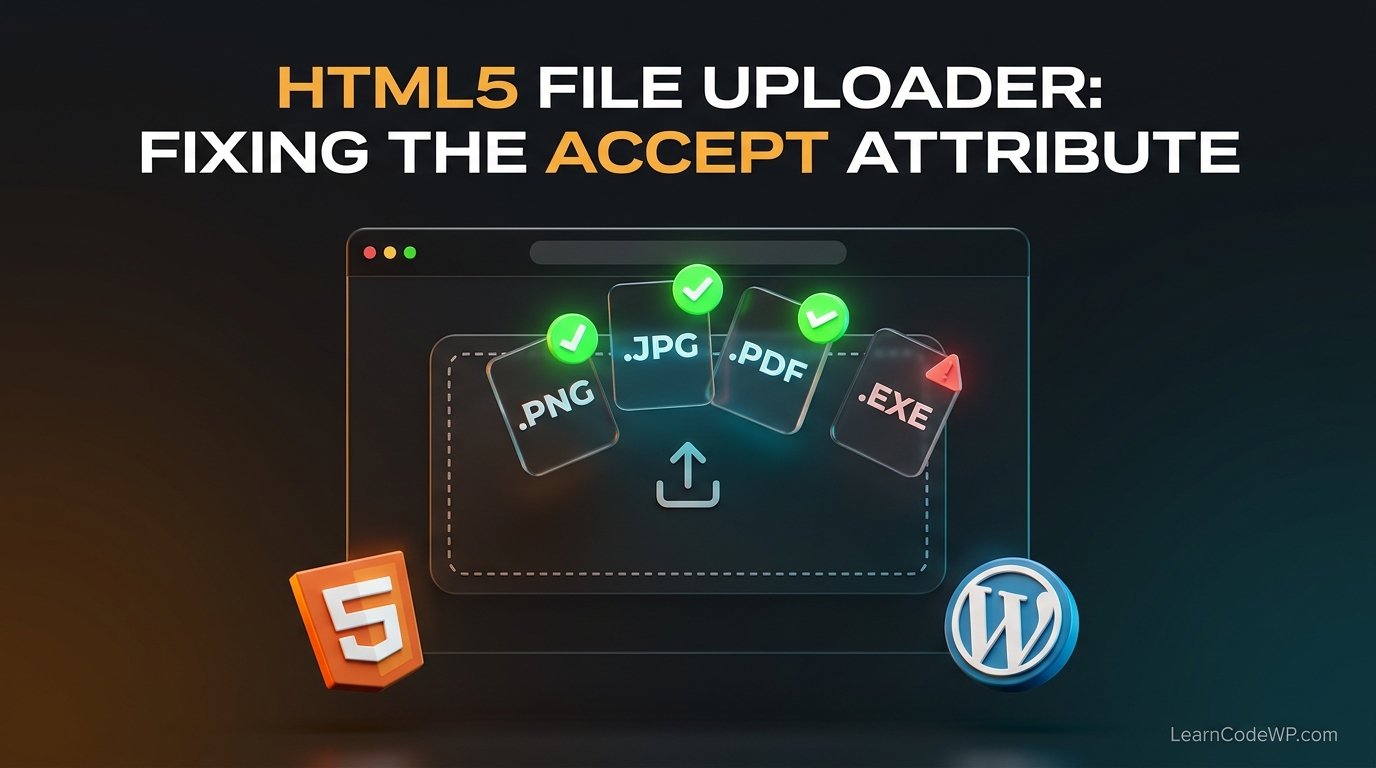

Mastering the html input type file accept attribute is essential for building robust web forms that do not frustrate users. Here is what catches developers off guard: browsers handle mime type string matching and extension fallbacks quite differently across operating systems. When you build file upload widgets, failing to declare proper MIME types alongside file extensions often results in the native OS file picker locking out valid formats. If you have ever wondered how to solve html problem scenarios involving strict file validations, you are in the right place.
A mistake I see developers make all the time in production is relying entirely on client-side restrictions. While the accept attribute drastically improves user experience by filtering out unwanted formats before upload, it must always be paired with server-side validation. Before looking at the code fix, you might want to review our guide on how to fix html dialog backdrop click to ensure your modal upload interfaces stay bulletproof and accessible.
Why the HTML Input File Accept Attribute Fails
Let us examine how to fix html error behaviors related to strict MIME matching. When a user clicks an upload button configured with the accept attribute, the browser queries the operating system shell to render only matching files. If your attribute contains malformed extensions or missing wildcards, browsers like Google Chrome or Safari may either freeze the file chooser or display everything as greyed out. According to the MDN Web Docs on input file types, combining wildcards with specific MIME strings is the safest route.
Here is a classic broken implementation:
broken-form.html<!-- Broken: Missing wildcards and strict extensions --> <input type="file" name="upload" accept=".jpg, .png">
This snippet looks harmless, but on certain Linux distributions and mobile browsers, failing to provide the corresponding image MIME type causes the file picker dialog to load terribly slow or ignore valid files entirely. For related DOM handling pitfalls, you can also inspect how we resolve issues in fix intersection observer memory leak scripts.
Step-by-Step Fix for Robust File Filtering
To fix html5 error triggers in your file inputs, you must combine explicit file extensions with universal wildcard MIME definitions. Here is what actually happens under the hood when you declare both parameters correctly:
fixed-form.html<!-- Correct: Combining MIME wildcards and extensions -->
<form action="/upload.php" method="post" enctype="multipart/form-data">
  <label for="document-upload">Upload Document:</label>
  <input
    type="file"
    id="document-upload"
    name="document-upload"
    accept="image/*,.pdf,application/pdf">
  <button type="submit">Send File</button>
</form>
Let’s break down the exact parameters used in this working snippet:
1. type=”file”: Tells the browser to render a native file picker control interface.
2. name=”document-upload”: Defines the payload key accessible inside your server-side PHP global arrays like $_FILES.
3. accept=”image/*,.pdf,application/pdf”: Instructs the OS to filter for all image formats, explicit PDF extensions, and official PDF mime types simultaneously.
Comparative Analysis of File Accept Strategies
Don’t just copy-paste this blindly—check your server config first. Here is a quick reference table comparing different attribute strategies:
| Strategy | Syntax Example | Browser Support | Potential Pitfall |
|---|---|---|---|
| Extension Only | accept=".png" | Universal | Fails on mobile OS file selectors |
| MIME Type Only | accept="image/png" | High | Can hide files missing proper OS metadata |
| Combined Wildcard | accept="image/*,.png" | Excellent | Requires redundant file declarations |
Troubleshooting & Gotchas
Even with perfect markup, edge cases will break your forms. Here are two critical gotchas to keep in mind:
Caching and Service Workers: If your frontend template is aggressively cached by a service worker or reverse proxy, users might see older broken file inputs. Always purge your edge caches after deploying updates.
Operating System Quirks: macOS Finder respects MIME types cleanly, whereas Windows Explorer relies heavily on file extension strings. Providing both guarantees cross-platform reliability.
Frequently Asked Questions
How to fix html error when users upload unsupported files?
The accept attribute only filters what the native file dialog displays. Users can bypass this by modifying file extension filters in their OS dialog. Always implement strict server-side validation checking MIME signatures.
How to solve html problem where the file picker takes too long to open?
Browsers lag when parsing overly complex accept strings with hundreds of explicit extension declarations. Consolidate your rules using wildcards like image/* or video/* instead of listing every single variation.
How to fix 404 error in html form submissions?
A 404 error upon submitting a file form means your form action attribute points to a non-existent endpoint or your web server rewrite rules are blocking POST requests.