
Encountering a 502 bad gateway wordpress nginx error can instantly ruin your morning. One minute your site is humming along, and the next, Nginx throws a brick wall in front of your visitors or your wp-admin dashboard. Here is what catches developers off guard: this error rarely means your web server is completely dead. Instead, it indicates a communication breakdown between your reverse proxy (Nginx) and your application backend (usually PHP-FPM).
A mistake I see developers make all the time in production is blindly restarting the Nginx service without inspecting the upstream logs. That approach only treats the symptom, not the underlying bottleneck. If your PHP script execution times out or your socket runs out of workers, Nginx will immediately drop the connection and throw an HTTP 502 error back to the client.
Understanding Why Nginx Throws 502 Bad Gateway Errors
To fix this issue for good, we need to understand what actually happens under the hood. Nginx acts as a high-performance reverse proxy. When a visitor requests a dynamic WordPress page, Nginx passes the request to PHP-FPM via a Unix socket or a TCP port. If PHP-FPM takes too long to respond, crashes due to memory exhaustion, or fails to listen on the configured socket, Nginx cannot generate a valid response. It returns a 502 Bad Gateway.
Before tweaking configuration files, always check your server logs. Depending on your Linux distribution, your Nginx error log is typically located at /var/log/nginx/error.log. For deeper PHP insights, check your PHP-FPM error logs. Sometimes, a severe database crash or a hidden memory limit wall triggers this exact behavior, similar to what you might diagnose when addressing a wordpress white screen of death issue.
How to Fix 502 Bad Gateway Nginx in WordPress
Let us walk through a battle-tested protocol to resolve this error on Ubuntu and Debian-based production servers. Don’t just copy-paste this blindly—check your server config first to ensure your user permissions and socket paths match.
Step 1: Verify PHP-FPM Status and Socket Paths
First, confirm that your PHP-FPM service is actually running. Run the following command in your terminal:
Terminalsudo systemctl status php8.2-fpm
If the service is stopped or failed, restart it immediately:
Terminalsudo systemctl restart php8.2-fpm
Next, verify that your Nginx virtual host configuration points to the correct PHP-FPM socket. Open your Nginx site configuration file and check the fastcgi_pass directive against your PHP version pool socket.
/etc/nginx/sites-available/defaultserver {
  listen 80;
  server_name example.com;
  root /var/www/html;

  index index.php index.html;

  location ~ \.php$ {
    include snippets/fastcgi-php.conf;
    fastcgi_pass unix:/var/run/php/php8.2-fpm.sock;
    fastcgi_param SCRIPT_FILENAME $document_root$fastcgi_script_name;
    include fastcgi_params;
  }
}
Step 2: Adjust Timeout Limits for Heavy WordPress Queries
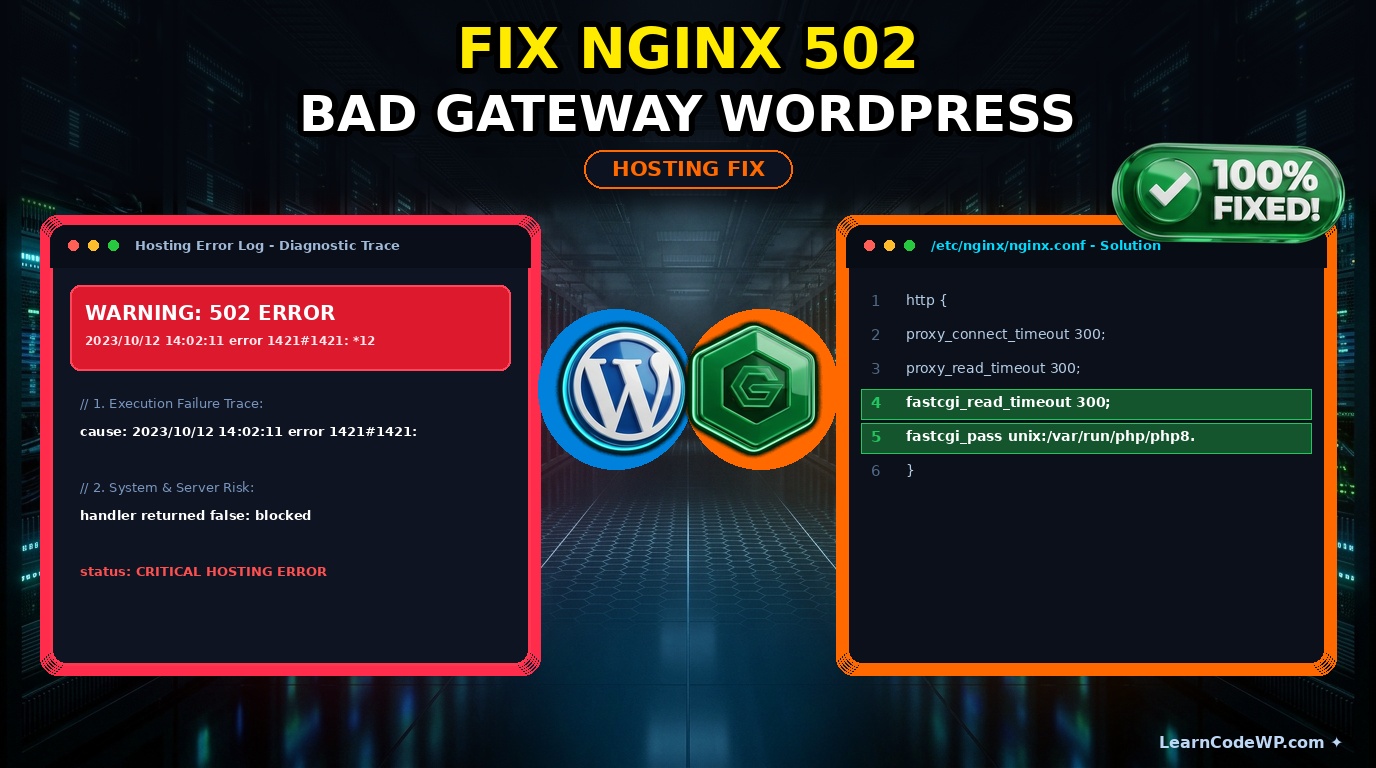
Heavy database queries, slow external API calls, or bloated plugins can cause PHP to exceed default execution limits. When this happens, Nginx drops the connection prematurely. You can expand your proxy timeouts inside your Nginx configuration or within your global nginx.conf file, referencing documentation from Nginx Official Documentation.
/etc/nginx/nginx.confhttp {
  proxy_connect_timeout 300;
  proxy_send_timeout 300;
  proxy_read_timeout 300;
  send_timeout 300;
  fastcgi_read_timeout 300;
}
After updating your timeout directives, test your syntax and reload Nginx cleanly:
Terminalsudo nginx -t && sudo systemctl reload nginx
If you are managing custom REST API endpoints or AJAX requests that frequently time out, you should also inspect your application logic or refer to how to handle a wordpress rest api error properly.
Comparison: Nginx vs Apache Error Handling
Understanding how Nginx handles backend failures compared to Apache helps clarify why you see specific error codes on modern LEMP stacks.
| Feature / Metric | Nginx (LEMP Stack) | Apache (LAMP Stack) |
|---|---|---|
| Architecture | Event-driven, asynchronous reverse proxy | Process/thread-based request handling |
| 502 Trigger | Upstream PHP-FPM crashes, timeouts, or bad socket | Rarely throws 502; usually handles internal module errors via 500 |
| Timeout Control | Configured via fastcgi_read_timeout | Configured via Timeout and ProxyTimeout |
Troubleshooting Edge Cases & Gotchas
Even after fixing socket paths and increasing timeouts, you might still run into stubborn 502 errors. Here are two frequent edge cases to keep on your radar:
PHP-FPM Process Exhaustion: If your traffic spikes or background cron jobs run concurrently, your PHP-FPM pool might run out of available child processes. Open your PHP-FPM pool configuration (e.g., /etc/php/8.2/fpm/pool.d/www.conf) and increase pm.max_children and pm.start_servers values according to your available RAM, referencing standards from the official PHP Manual.
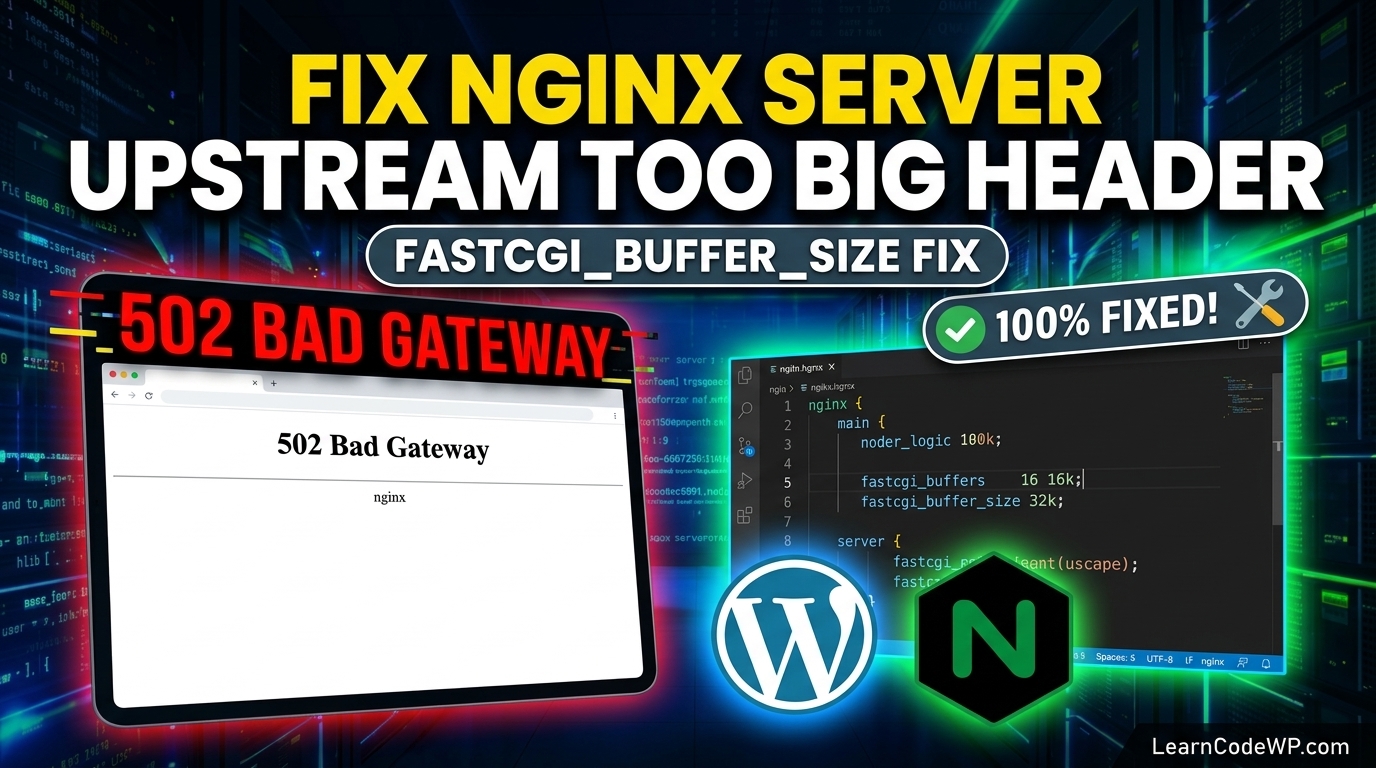
Upstream Header Buffer Overflows: Sometimes, large authentication cookies or extensive session data cause upstream header size mismatches. Ensure your Nginx configuration includes generous buffer allocations like proxy_buffer_size 128k; and proxy_buffers 4 256k;.
Frequently Asked Questions
How to fix 502 bad gateway on mobile devices or Chrome?
A 502 error is a server-side issue, meaning clearing your browser cache on Chrome, iPhone, or Android will not resolve it if the backend server is failing. However, once you fix the PHP-FPM socket or timeout configuration on your server, perform a hard refresh or clear your browser cache to bypass cached error responses.
Why am I getting a 502 bad gateway error only in wp-admin?
When public pages load fine but your dashboard throws a 502 error, it is usually caused by resource-heavy plugins executing background scripts, database locking during updates, or PHP memory exhaustion during administrative POST requests.
How do I check Nginx error logs on Ubuntu?
You can view live Nginx error logs by running sudo tail -f /var/log/nginx/error.log in your terminal. Look for entries mentioning “connect() to unix” or “upstream timed out” to pinpoint the exact failure.