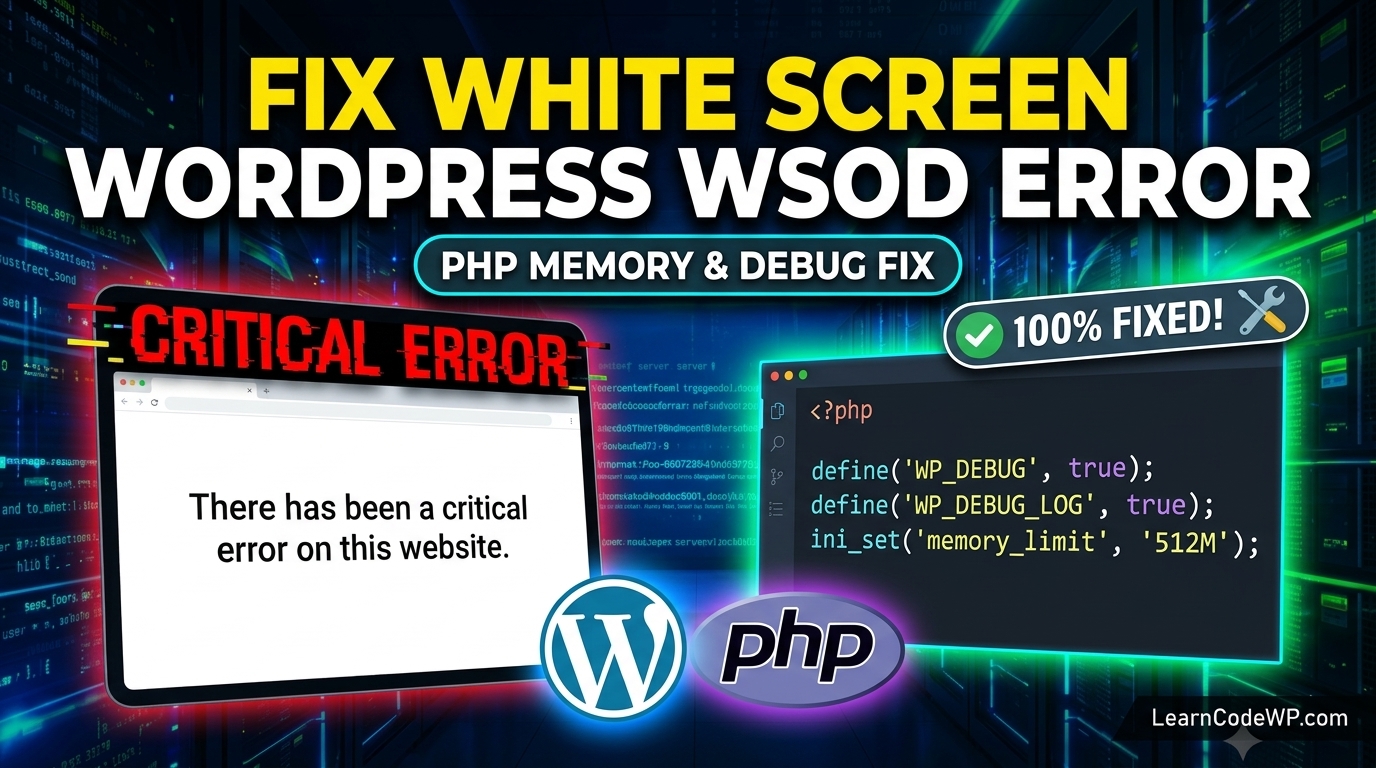

Here is what catches developers off guard: you push an update, refresh your browser, and instead of your dashboard, you are greeted with the dreaded notification that there has been a critical error on this website. A mistake I see developers make all the time in production is panicking and immediately deleting plugins via FTP without checking the logs first. Don’t just copy-paste this blindly—check your server config first.
Why the Critical Error Happens Under the Hood
When evaluating how to fix wordpress critical error issues, you need to understand that WordPress catches fatal PHP errors introduced in PHP 8.x, unhandled exceptions, or memory exhaustion. Instead of throwing a white screen of death, it intercepts the exception, sends an email to the site admin, and prints a generic user-facing notice. Before diving into debugging, ensure you are familiar with how to fix white screen of death wordpress if your failure mode completely halts execution before the error handler initializes. For deeper PHP syntax specifications, refer to the official PHP Exceptions Documentation.
Here is what actually happens under the hood when a plugin crashes. A hook fires, a function attempts to call a method on a null object, and PHP halts execution immediately. If error display is turned off in your php.ini, you get zero feedback on the frontend. To fix this, we need to switch on debugging.
How to Fix WordPress Critical Error Step-by-Step
Let’s walk through the exact diagnostic routine senior engineers use when a production WordPress site goes down.
Step 1: Enable WP_DEBUG in wp-config.php
Open your root directory via SFTP or SSH. Locate your configuration file. Sometimes, issues can stem from exhausted server resources, which you can resolve using techniques similar to wordpress php fatal error allowed memory size fixes. Modify your configuration flags to force PHP to write errors to a log file instead of masking them.
wp-config.phpdefine( 'WP_DEBUG', true );
define( 'WP_DEBUG_DISPLAY', false );
define( 'WP_DEBUG_LOG', true );
Line-by-line breakdown of what each configuration directive does:
define( ‘WP_DEBUG’, true ); turns on the core debugging mode across all of WordPress.
define( ‘WP_DEBUG_DISPLAY’, false ); ensures raw stack traces do not leak to public visitors.
define( ‘WP_DEBUG_LOG’, true ); captures all warnings and fatal errors inside wp-content/debug.log.
Step 2: Read the debug.log File
Head over to wp-content/ and download debug.log. Look for lines containing Fatal error or Uncaught Error. You will usually see a reference to a specific file path inside a plugin or theme directory. If the error traces back to core files, you might need to check official WordPress Debugging Documentation for core checksum verifications.
debug.log[14-Oct-2023 12:44:02 UTC] PHP Fatal error: Uncaught Error: Call to undefined function custom_plugin_func() in /var/www/html/wp-content/plugins/broken-plugin/broken.php:42
This points right at line 42 of that specific plugin. You can now rename that plugin folder via FTP to instantly deactivate it and restore site access.
Comparative Diagnostic Methods
| Method | Pros | Cons |
|---|---|---|
| WP_DEBUG_LOG | Pinpoints exact file and line number | Requires FTP or SSH access |
| Safe Mode / Recovery Link | Automated email link from WordPress | Fails if email dispatch is broken |
| Staging Clone Test | Zero risk to live production traffic | Requires hosting control panel support |
Troubleshooting & Gotchas
Why is wordpress not loading even after renaming the broken plugin folder? Sometimes object caching plugins like Redis or Memcached hold stale PHP opcode in memory. Always flush your object cache and restart your PHP-FPM service after clearing out bad code:
Terminal Commandssudo systemctl restart php8.2-fpm
wp cache flush
Frequently Asked Questions
How to fix wordpress critical error if I cannot access wp-admin?
Use SFTP or your hosting file manager to access your wp-content/plugins directory. Rename suspect plugins by appending ‘.bak’ to their folder names. This disables them instantly, allowing you to log back in.
Why is wordpress not opening after a theme update?
A theme update often introduces conflicting function declarations or requires a higher PHP version than your server is currently running. Switch to a default theme like Twenty Twenty-Four via phpMyAdmin or FTP.
Why is wordpress login not working alongside the error?
Authentication hooks rely on database queries and plugins. If a security or login plugin throws a fatal error during authentication, your login screen will fail. Checking debug.log will reveal the culprit line.